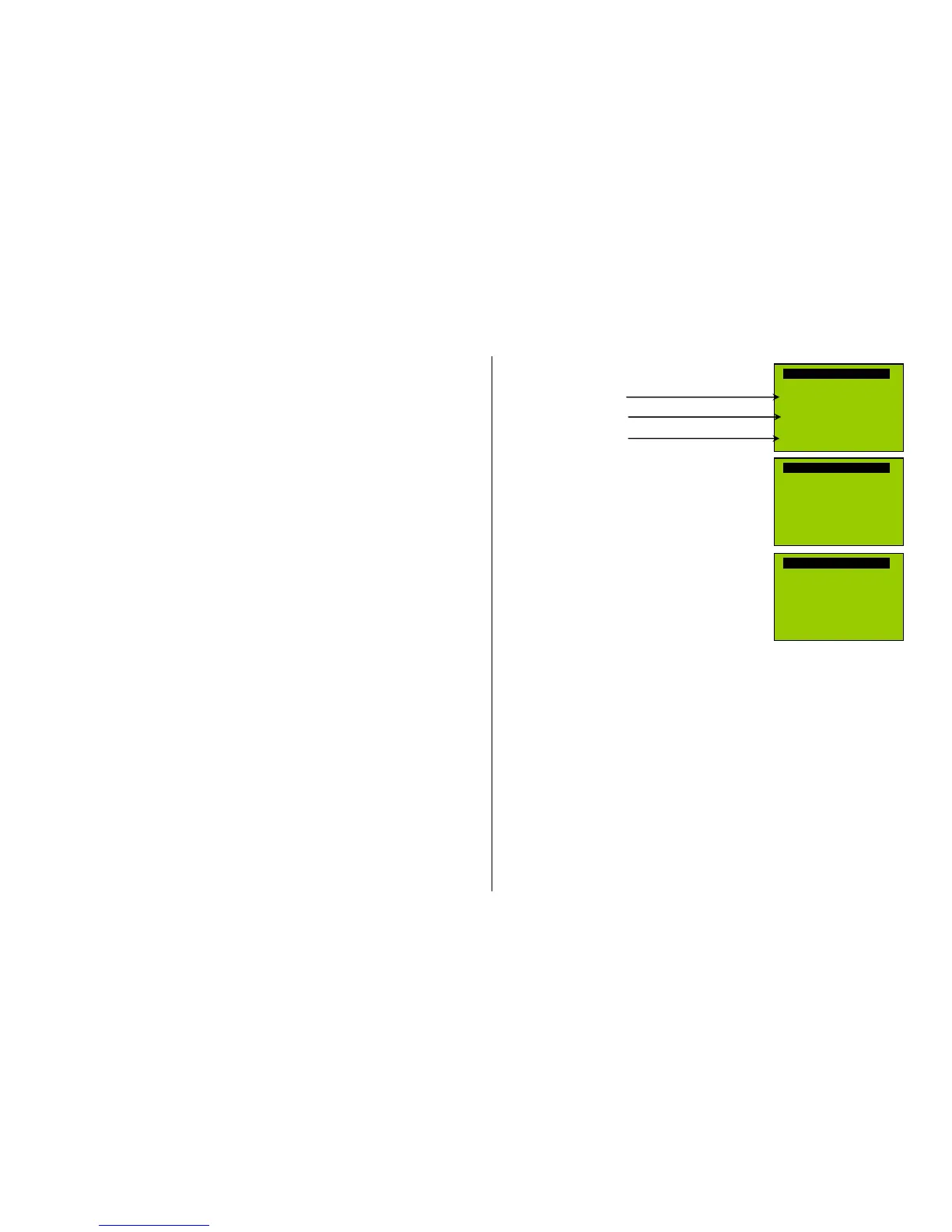
F1, F2 = prev, next : plays back the previous or next recording stored in the decoder; the sound
file can immediately be evaluated with the engine stopped, whereas with
the engine running the selected file immediately replaces the currently active.
F3 = CLEAR + end : The selection procedure is stopped and the selection is cleared, that is no
chuff sound will be played (but boiling and blow-off sound remains).
F8 = STORE + end : The selection procedure ends and the current chuff set is replaced with the
selected chuff set.
The selection procedure is also stopped when programming anything else (e.g. CV #300 = 0, or
any other value or any other CV) or by interrupting power. In these cases, the current chuff set re-
mains. Such “forced endings” are also useful when the “old” sound should remain as the current
sound without first having to locate it again.
The selection procedure is supported with acoustic signals:
The “cuckoo jingle” sounds when….
…. the last stored chuff sound is reached; use the key to scroll in the opposite direction (F1, F2) to
listen to the other stored chuff sounds,
…. playback is tried (F0) but no sound sample is assigned,
…. a wrong key is pressed (F4, F5 etc.)
The “confirmations jingle” is played after ending the selection procedure with F3 or F8.
The engines can be operated normally during the selection procedure: with speed regulator, direc-
tion key and MAN key (the latter only with ZIMO cabs); functions cannot be actuated until the selec-
tion procedure is terminated with F3, F8 or by other programming steps, see above.
Selecting boiling, whistle, blow-off, brake squeal sounds…
within a sound collection or a sound project with several samples of this kind:
The selection procedures for these “automated background sounds” are initiated with an operations
mode “Pseudo-Programming”
CV #300 = 128 for the boiling sound (steam only) .
CV #300 = 129 for direction-change sound .
CV #300 = 130 for the brake squeal .
CV #300 = 131 thyristor-control sound (electric engine) .
CV #300 = 132 for the “start” whistle or horn .
CV #300 = 133 for blow-off sound =cylinder valves (STEAM only) .
NOTE: the blow-off selection (CV #300 = 133) is also valid for function key playback (CV #312).
CV #300 = 134 for the driving sound of ELECTRIC engines .
CV #300 = 135 for rolling noise .
CV #300 = 136 for the switchgear sound of ELECTRIC engines .
CV #300 = 137 for a second Thyristor sound (ELEKTRIC engines) .
CV #300 = 141 for the turbo charger (DIESEL engine) .
CV #300 = 142 for the “dynamic brake“ (Electric brake, ELEKTRIC engines)
The selection procedure for background sounds is the same as for the selection of chuff sounds.
EXCEPT: the engine should be at a standstill because the speed regulator is used for setting the
volume of the relevant sound file!
Note: these sound files can also be used as function sounds, allocated to function keys (see next
page); the automated back-ground sounds can then be cancelled with the function keys.
The function keys have the following special meaning
during the selection procedure; speed regulator is
used for volume setting!
Function keys are used as with chuff selections:
F0 = play : plays back the currently selected sound.
F1, F2 = prev, next : plays back the previous or next recording.
F4, F5 = prev, next : switches between sound groups
The speed regulator acts as volume control for the
background sound during the selection procedure.
F3 = CLEAR + end : Selection procedure is stopped
and the current sample removed.
F8 = STORE + end : Selection procedure is stopped
and the new selection activated.
The selection procedure can be ended by any other
programming procedure or by removing power. Functions
cannot be actuated during this procedure!
Allocating sound samples to function keys F1 … F19
within a sound collection or a sound project containing several samples per group:
A sound sample can be allocated to each function key F1…F19 from the sound samples stored in
the decoder. It is absolutely permissible to have a function key assigned for a function output (FO1,
FO2 etc.) as well as for a sound function, both of which will be activated when the key is pressed.
The allocation procedure for function sounds are initiated with a “Pseudo-Programming” in opera-
tions mode programming:
CV #300 = 1 for function F1
CV # 300 = 2 for function F2
etc.
CV # 300 = 20 for function F0 (!) .
Note: Function F4 is by default used for water drainage sound (with CV #312); if F4 is to be used for
something different, CV #312 must be set to zero (CV #312 = 0).
The allocation procedure is very similar to the selection procedures for driving and background
sounds, with the difference that sound allocation is not limited to sound samples of a certain group
but also allows switching between groups to find the desired sample.



 To Next Page