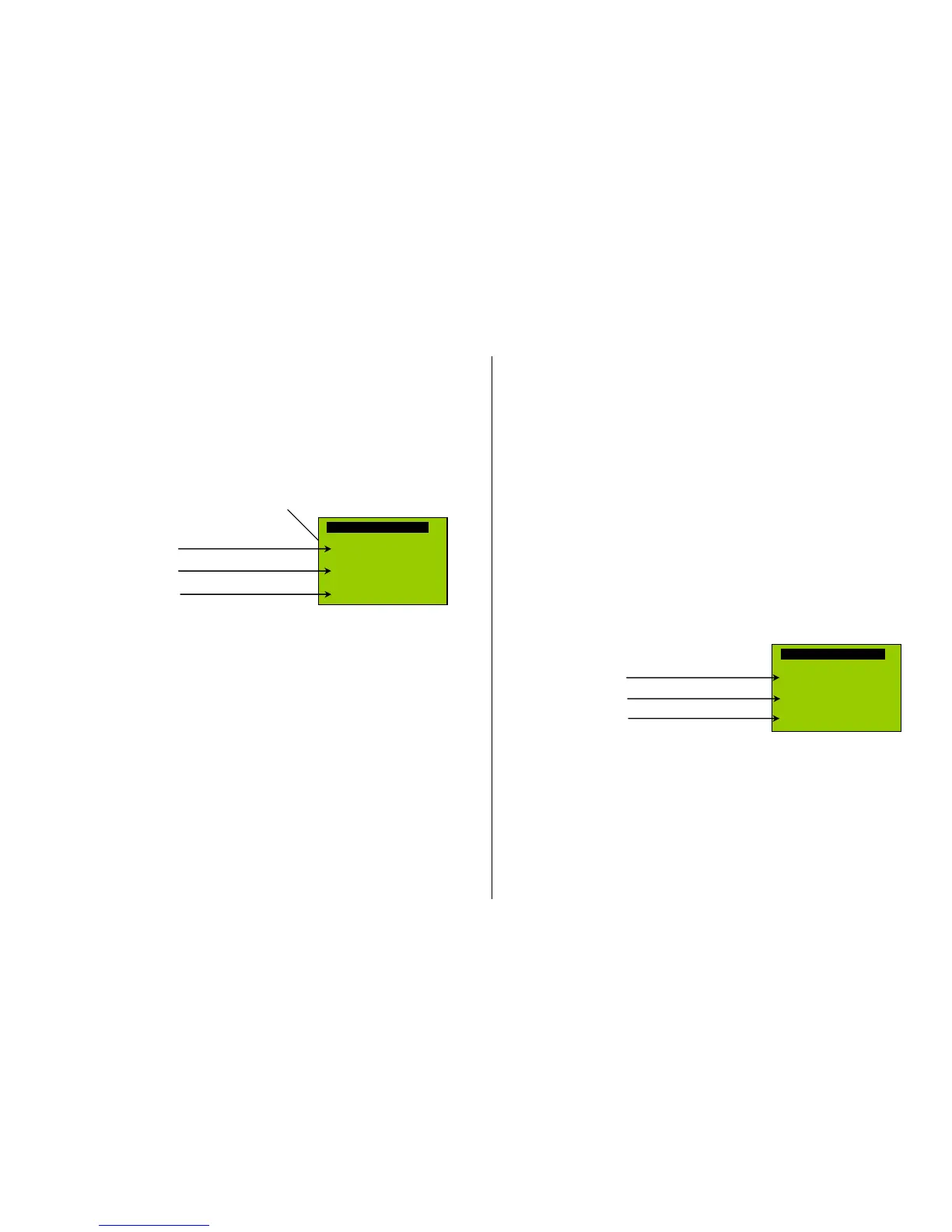
Allocation of sound samples to switch inputs S1 and S2:
The MX640 has 3 switch inputs available, of which two (“1” & “2”) are freely available to the user while
one (“3”) is usually reserved for a cam sensor input; which can also be used for other inputs if not
used for a cam sensor (i.e. the virtual cam sensor is used instead). These inputs can accept reed
switches, optical or hall-effect sensors and similar; see chapter 8: “Connecting speaker, cam sensor”.
A sound sample can be allocated to each switch input, from the pool of stored samples in the decod-
er; playback times can be set with the help of CV’s #341, 342 and 343, see CV table.
The switch input allocation procedure is initiated with the operations mode Pseudo-Programming
CV #300 = 111 for switch input S1
CV #300 = 112 for switch input S2
CV #300 = 113 for switch input S3
and so on… .
Depends on entry: S1…S4
The function keys have the following special meaning
during the selection procedure!
The meaning and action of the function keys is the same as for function sounds (see above):
F0 = play: playback
F1, F2 = prev, next: playback of previous or next sound sample
etc.
5.2 “Incremental Programming” of sound CV’s,
an alternative to “normal” programming
Configuration variables (CV’s) for optimizing sound effects can of course be programmed in the con-
ventional manner by changing CV values using the cab in service mode (on the programming track)
or in operations mode (on the main track), but many can alternatively also be programmed by
“Incremental” programming.
This method is not suitable for CVs where individual bits need to be set independently.
The “incremental programming” is a special process of the “operations mode” programming with the
following fundamental principle: the CV’s are not programmed with an absolute value (as is normally
the case) but rather the current value of a CV is being incremented or decremented by a fixed value
(defined in the decoder for each CV).
The function keys of the cab temporarily serve as instruments for the incremental programming,
which means they cannot be used for function output actuations during that time. The function keys
are temporarily assigned for this task with the “Pseudo-Programming”
CV #301 = 66,
which changes the function keys to INC and DEC keys, first for CV #266 (that is the CV number de-
rived from the value + 200).
Several CV’s are grouped together in one procedure for an easier and better handling. In the case of
CV #301 = 66, the leading CV #266 (“Lead-CV”) is assigned for incremental programming as well as
CV #267 and #268.
This is again shown here by means of the ZIMO cab with the special MX31 display, but is valid anal-
ogous for the function keys of other cabs.
The function keys have the following special meaning
during the selection
procedure!
Incrementing!
Decrementing!
Set to default value!
Drawing of an MX31 display, not a photo!
The last line shown in gray (absolute CV values) will not be available until bidirectional communication is being implemented!
F0, F3, F6 Incrementing, decrementing and default setting of the lead CV number that was
entered during the “Pseudo-Programming” initiation CV #301 = … (or via menu
with the MX31).
F1, F4, F7 Incrementing, decrementing and default setting of the second CV number of that
group; which CV’s that are part of a group is shown in the CV table or is
indicated in the ZIMO MX31 cab display.
F2, F5, F8 Incrementing, decrementing and default setting of the third CV number of that
group (if the group includes 3 CV’s).
The incrementing and decrementing of CV values (usually in the 0…255 range) takes place in steps
of 1, 5, 10 or 15; this is predefined by the decoder software and cannot be changed. Intermediate val-
ues can be entered by direct CV programming, which in reality is hardly necessary.
The “cuckoo jingle” sounds when….



 To Next Page