Page 8 of 12 Zip FlushMaster Pearl Installation & Maintenance Instructions - 82902 - January 2012 v1.00
Set Flush Timing
FlushMaster WS003 ; WS004 ; WS006 ; WS007 and 99168 sensors:
On application of the power, the board closes the valve and defaults to the
preset settings. It waits for aproximately 2 minutes before starting to sense if
anyone is present. On detection of a user, the LED on the front of the sensor
will flash.
Preset Values
The FlushMaster Pearl board is shipped with the following Preset Values:
Janitorial Flush: Set at 12 Hours
Delay Time: Set at 45 seconds
Fill Time: Set at aprox 5 seconds.
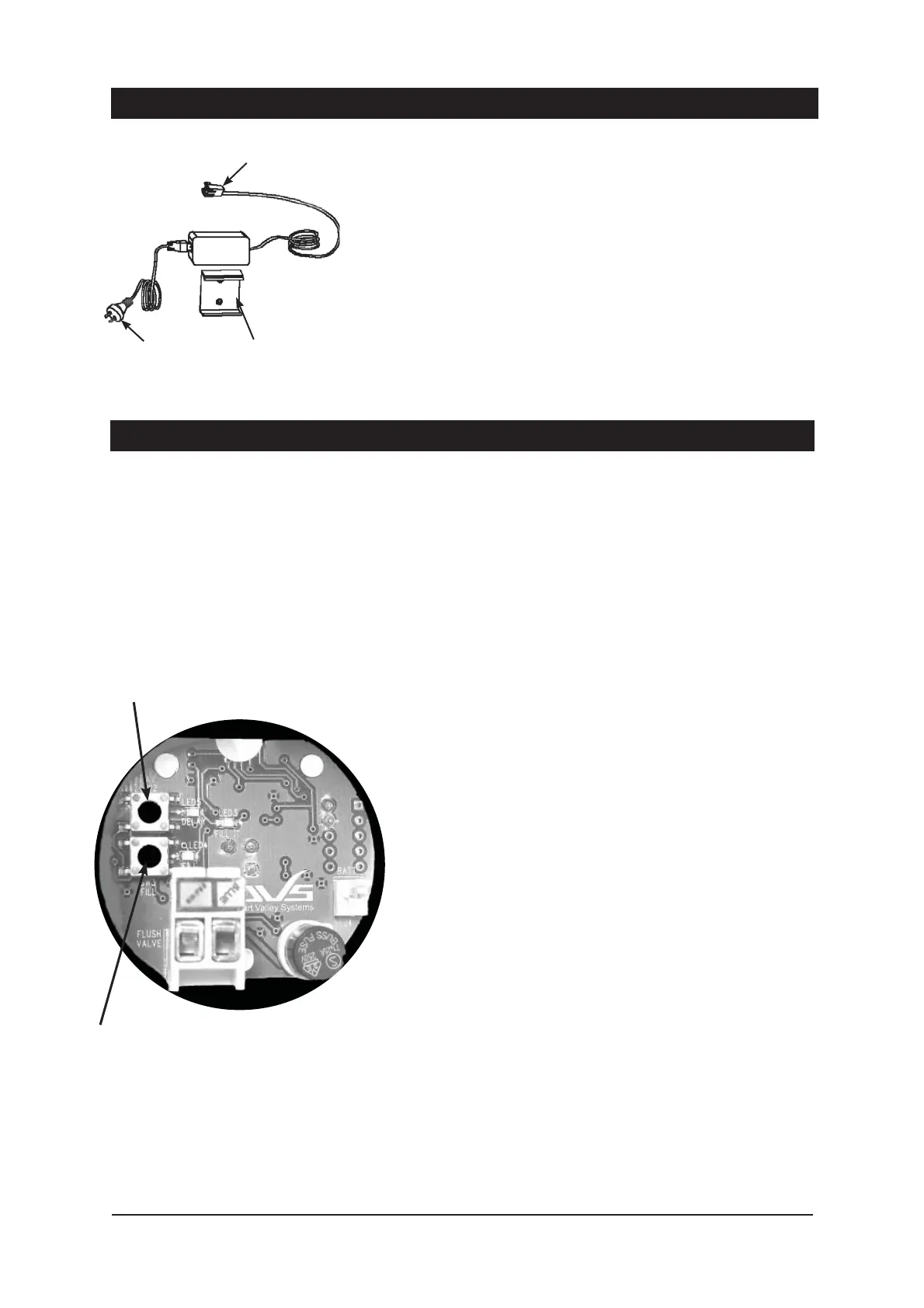
Connect Optional Power Pack
AC Power Pack product code 99031:
Locate battery holder and battery supplied with the system.
If connected, remove the battery cable plug from the circuit board.
Connect power pack to 220-240 volt 10 amp AC power point.
Carefully align the power pack outlet cable plug to circuit board inlet socket.
Firmly insert the cable plug from the power pack into the inlet socket. See
diagram on page 7.
Connect to
circuit board
Fixing
bracket
(supplied)
Connect to
power point
Fill button
Delay button



 To Next Page