EasyManua.ls Logo

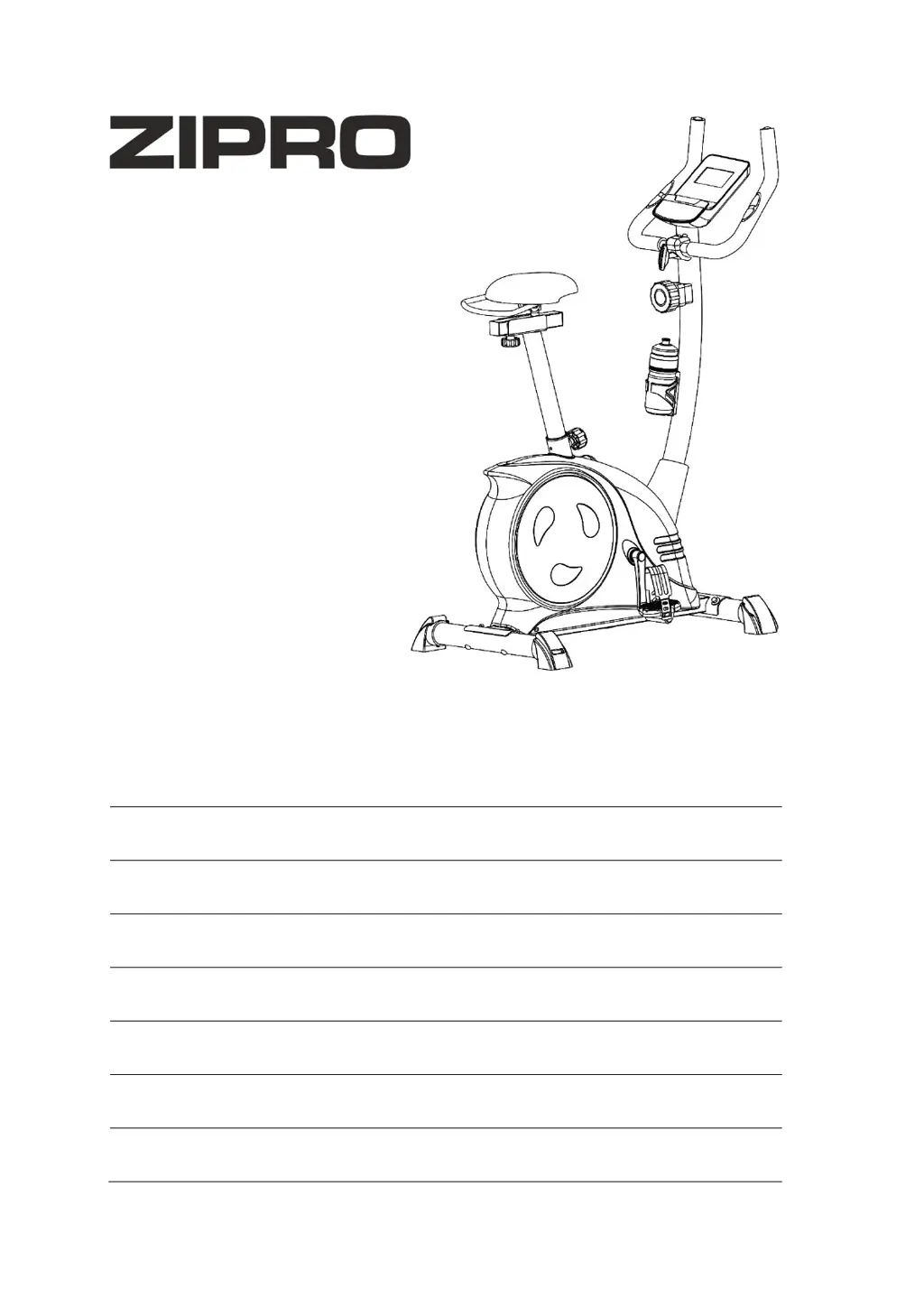
Zipro Nitro RS - User Manual

Zipro Nitro RS
129 pages
Go to English
Print Icon
To Next Page IconTo Next Page
Loading...
Nitro RS
PL Rower magnetyczny
EN Magnetic bike
DE Magnetisches Fahrrad
RU Магнитный велосипед
RO Bicicletă magnetică
LT Magnetinis dviratis treniruoklis
CZ Magnetický rotope
SK Magnetický rotopéd
PL
Podręcznik użytkowania
Zachowaj podręcznik użytkowania.
Str. 2
EN
User Manual
Keep the User Manual for future use.
Page 18
DE
Bedienungsanleitung
Bewahren Sie die Bedienungsanleitung auf.
S. 34
RU
Руководство к пользованию
Сохраните руководство к пользованию.
Стр. 50
RO
Manual de utilizare
Păstraţi manualul de utilizare.
Pag 66
LT
Naudotojo vadovas
Naudotojo vadovo neišmeskite.
Psl. 82
CZ
Příručka uživatele
Uchovejte návod pro případné další použití.
Str. 98
SK
Príručka užívateľa
Uchovajte návod pre ďalšie používanie.
Str. 114

Questions and Answers

  • R
    Robert LewisAug 5, 2025
    Why is there a lack of resistance during my Zipro Nitro RS workout?
    • N
      Nicholas SteeleAug 6, 2025
      The lack of appropriate resistance during training on your Zipro Exercise Bike may be due to several reasons. It could be that the resistance adjustment cable is connected incorrectly; ensure it is connected as per the assembly manual. Alternatively, the drive belt might be loose, the distance between the flywheel and the magnets might have increased, or the voltage regulator could be damaged. If the cable is connected correctly, it is best to contact customer service.
  • K
    kimpruittAug 12, 2025
    How to stop my Zipro Nitro RS from rocking?
    • G
      guzmantimothyAug 12, 2025
      If your Zipro Exercise Bike rocks, it might be due to a few reasons. First, ensure the bike is placed on an even surface, and remove any objects that might be disrupting its balance. Another cause could be that the bases haven't been assembled correctly or that the caps on the base haven't been installed and levelled correctly. Make sure to assemble the bases correctly and level the caps on the rear base.
  • J
    John SmithAug 17, 2025
    What to do if the saddle or handlebar sway on my Zipro Exercise Bike?
    • J
      Jesse MonroeAug 17, 2025
      If the saddle or handlebar sway on your Zipro Exercise Bike, the bolts and knobs of the saddle column or handlebar column may not have been tightened enough. Try tightening the bolts and knob of the saddle or handlebar column to resolve this issue.
  • M
    Michael StephensAug 23, 2025
    Why is my Zipro Nitro RS making noise during use?
    • K
      kalvaradoAug 23, 2025
      Incorrectly tightened elements may cause noise during use of your Zipro Exercise Bike. In this case, it is best to contact the manufacturer’s service.
  • A
    Alice VegaAug 29, 2025
    Why is my Zipro Nitro RS Exercise Bike making noise and operating unevenly?
    • J
      Justin WilliamsAug 29, 2025
      If your Zipro Exercise Bike is making noise and operating unevenly, the bearings may be damaged. In this case, it is best to contact the manufacturer’s service.

Summary

Safety Precautions

Intended Use and Modifications

Device is for adults; user modifications void warranty and pose risks.

Health and Training Precautions

Consult doctor, be cautious with children, follow training guidelines.

Device Limitations

Heart rate system may be inaccurate; stop if feeling unwell.

Operation and Assembly Guide

Pre-Training Checks

Familiarize with functions, check for corrosion, ensure safety before each use.

Assembly Guidelines

Assemble carefully, check parts, follow instructions, prioritize safety.

Battery and Environmental Information

Battery Replacement and Disposal

Replace batteries when display fails; dispose of used batteries responsibly.

Packaging and Recycling

Device packaging is recyclable; recycle used electrical equipment.

Assembly Diagram

Parts List

Assembly Manual Steps

Install Front and Rear Base

Attaching the front and rear base to the main frame using bolts, washers, and nuts.

Install Pedals

Screwing the right and left pedals onto the corresponding cranks.

Install Saddle

Attaching the saddle and towel holder, then mounting to the saddle column and frame.

Install Handlebar Column

Connecting computer and resistance cables, then mounting the handlebar column.

Install Handlebar

Connecting computer cable, fixing handlebar to column with adjustment handle and cover.

Install Computer

Connecting heart rate and computer cables, then fixing the computer to its bracket.

Install Water Bottle Holder

Mounting the water bottle holder onto the handlebar column using a bolt and washer.

Adjustments

Resistance, Handlebar, and Saddle Adjustments

Adjusting resistance, handlebar position, saddle height, and saddle position.

Pedal Strap Adjustment

Fixing the rubber strap to the pedal for secure foot placement during training.

Maintenance and Training Phases

Regular Maintenance Tasks

Checking moving parts, bolts, nuts, wiping sweat, cleaning, and proper storage.

Warm-up Phase and Stretching

Improves circulation and prepares muscles, includes detailed stretching exercises.

Exercise Phase

The main exercise session, maintaining pace for age-appropriate heart rate zones.

Relaxation Phase

Helps steady circulation and relax muscles, similar to the warm-up phase.

Computer Manual

Console Buttons

Explanation of the functions of the RESET, MODE, and SET buttons on the console.

Console Functions and Specifications

Details of display parameters like SCAN, TIME, SPEED, DISTANCE, CALORIES, TOTAL DIST., and PULSE.

Setting Countdown Values

Setting training goals for time, distance, calories, or upper heart rate for countdown.

Pulse Rate Measurement

How to measure heart rate using the console's sensors.

Auto On;Off and Power Supply

Computer auto power management and battery/temperature specifications.

Troubleshooting

Device Stability Issues

Resolving issues with the device rocking to sides or swaying.

Noise and Operation Issues

Diagnosing and fixing noise during use or uneven operation.

Resistance Issues

Troubleshooting lack of appropriate resistance during training.

Warranty Information

Warranty Terms and Conditions

Details on warranty coverage, claim processing, and validity periods.

Warranty Exclusions and Invalidation

Conditions not covered by warranty and situations that void the warranty.

Claim Process and Compensation

Steps for reporting claims and customer compensation options.

Warranty Card

Zipro Nitro RS Specifications

General IconGeneral
BrandZipro
ModelNitro RS
CategoryExercise Bike
LanguageEnglish

Related product manuals