- 22 -
3. Miscellaneous Features
3.1 Reset
IMPORTANT NOTE
Resetting the S900 does NOT erase any stored data (i.e. templates,
transactions, settings). This information will be available as soon as
power is restored.
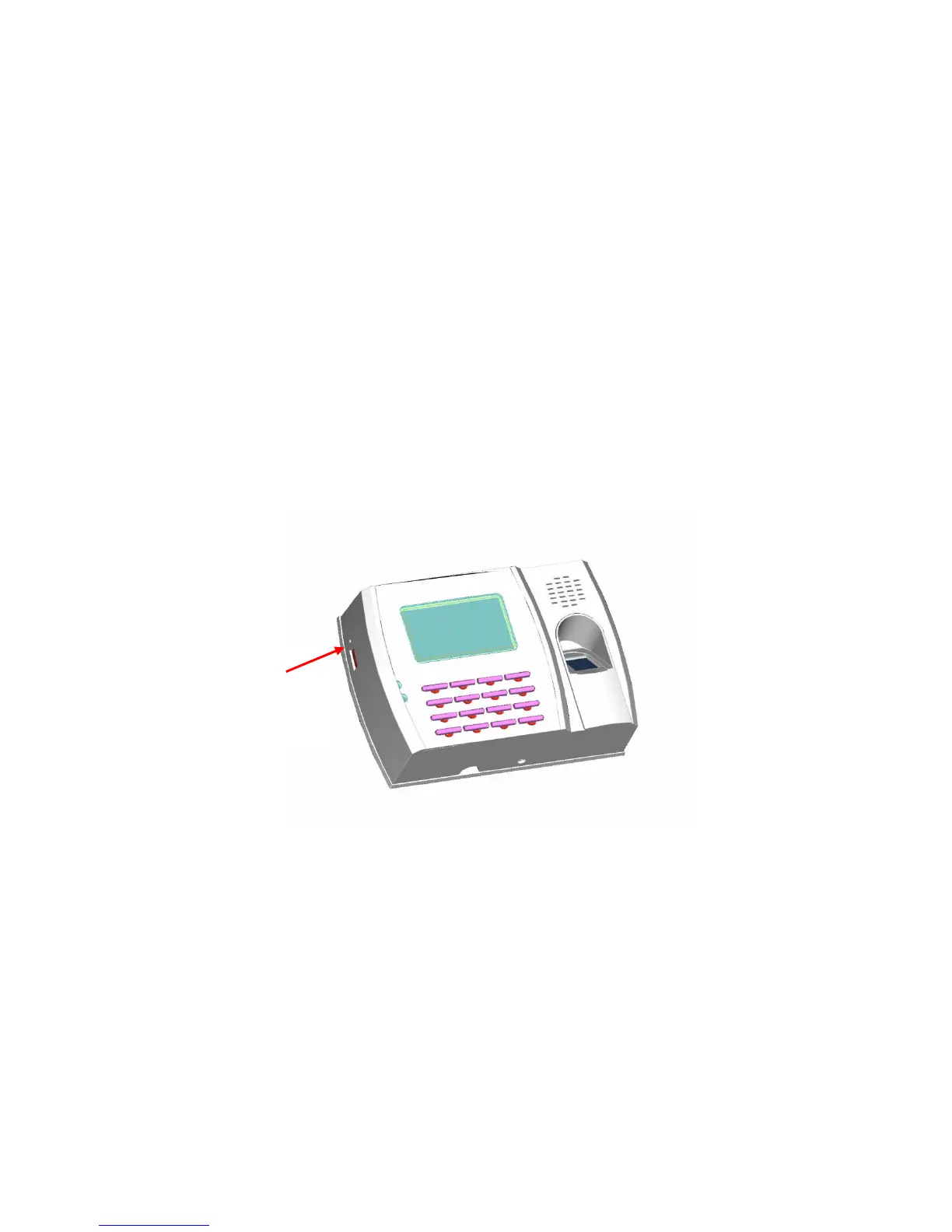
To reset the S900 use a small tool (e.g., pin or paperclip) to push in the
reset button (labelled “reset”) located on the side of the S900 (see figure
below).
Reset
Button


 To Next Page