- 5 -
2.Installation
2.1 S900 Wall Mounting
1. Separate mounting plate from the S900 by removing the screw at
the bottom edge of the S900. Special screwdriver is supplied.
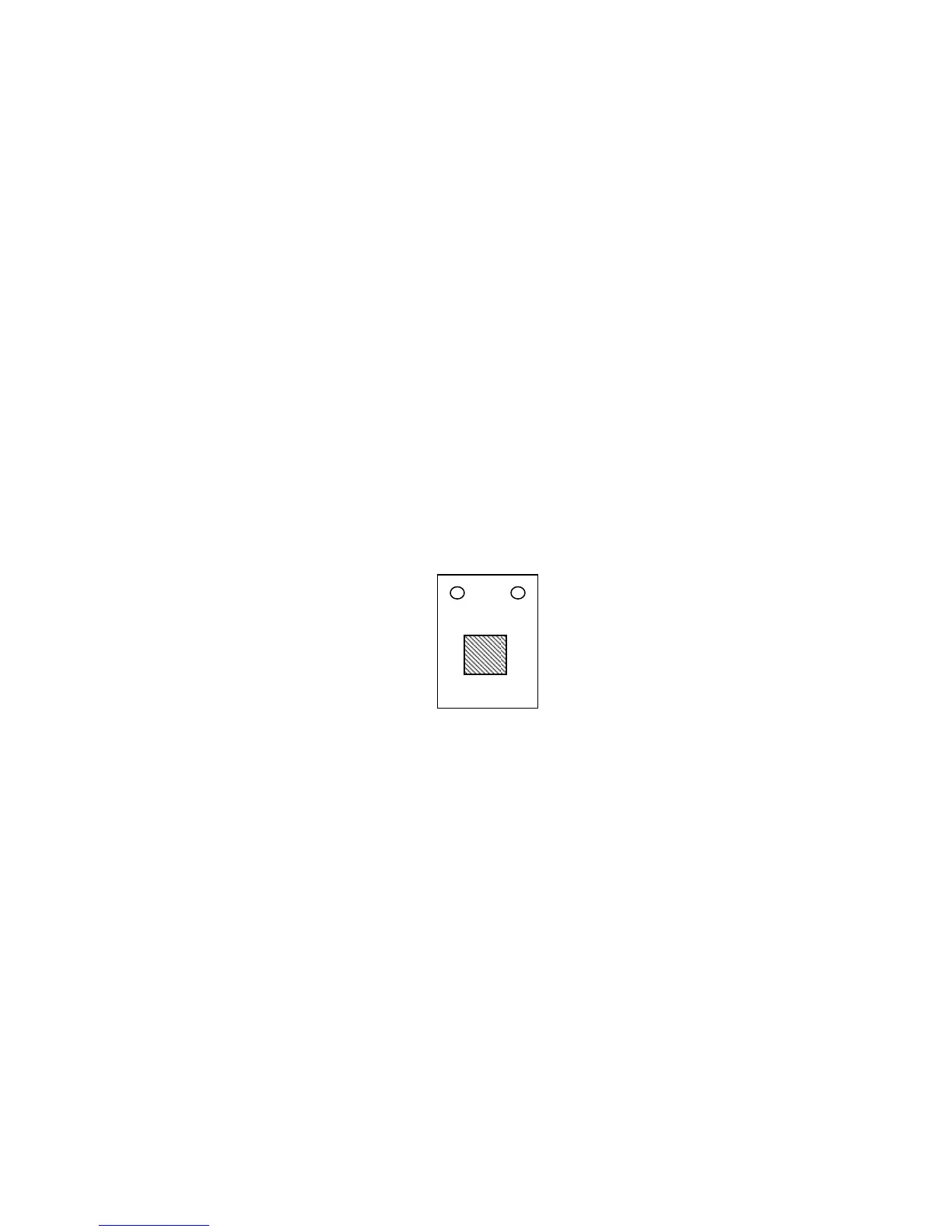
2. Determine the position of the mounting plate on the wall. The S900
should be mounted on the external wall of the door approximately 4
to 5 feet from the ground. After the desired position is determined,
cut out an opening (approximately 1 ½ inch x 1 ½ inch) for cables
(see below figure’s shadowed area).
3. Line up the opening of the mounting plate with the newly cut-out
opening on the wall, and then screw the plate to the wall.
4. After installation, make sure the mounting plate is tightly secured to
the wall.
Figure 1


 To Next Page