- 25 -
4. Trouble-shooting
Trouble Possible Cause & Fix
Power LED is off
Cause : No power or lack of voltage
Fix: Check and examine power and ground
connections. Also ensure 12V DC power.
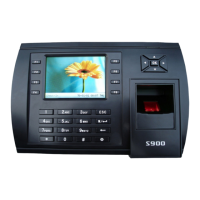
S900 is unable to
connect with PC
Cause: Connection may be loose.
Fix: Check that the RS232/RS485 or Ethernet
connections are secure. Also make sure
network/firewall settings are not blocking
communication to the S900
LCD displays “Please
try again”.
Cause: The S900’s fingerprint sensor may
have accumulated excess dirt or scratches
over a period of time. This message
indicates the sensor is unable to obtain a clear
image of the fingerprint. Other possible cause
may be fingerprint sensor cable has loosened
from circuit board.
Fix: Clean the sensor with a moist tissue.
Sensor may also need to be repaired or
replaced.


 To Next Page