- 27 -
Appendix
How to configure the Wi-Fi function for the S900
Before configuration
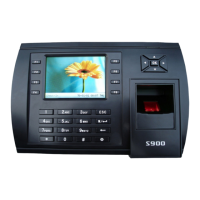
The S900 acts as a node in a wireless network. Before the S900
can communicate with the network, a wireless Access Point must
first exist.
You must know the ESSID of the local network (network name)
you wish to connect to.
Operational steps
Step 1. Copy the file WiFiConfigure that is provided by the
manufacturer of the PC.
Step 2. Connect the S900 with the PC over Ethernet or RS 232
Step 3. Double-click ZKMACUpdata to open the file.


 To Next Page