Need help?
Do you have a question about the ZKETECH EBD-B10H and is the answer not in the manual?
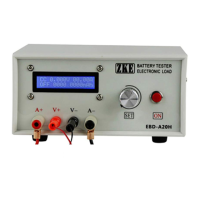
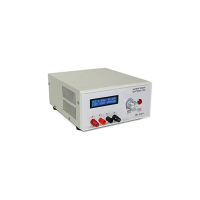
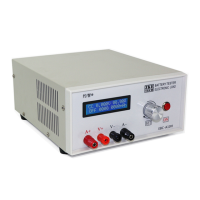
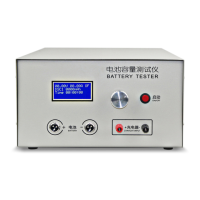
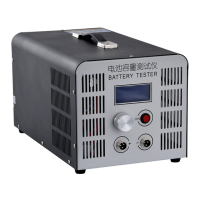
Connect batteries to aerial sockets on the front panel. Positive pole to left socket, negative to right.
Connect the tester to a computer using a designated USB-TTL cable.
Details the functions of the SET knob and the ON button for operation and settings.
Describes the information displayed on the LCD during testing (voltage, current, time, capacity, status).
Explains the DSC mode for constant current discharge and automatic stop based on voltage or time.
Guides users on navigating and adjusting settings like mode, current, and termination voltage.
Provides step-by-step examples for setting up test parameters, including a 48V battery pack test.
Important warnings regarding polarity reversal, operating within range, and battery removal.
Details on PC software, user manuals, and contact information for technical and business support.
 General
| Input Voltage | DC 10-30V |
|---|---|
| Voltage Accuracy | ±0.1% + 0.01V |
| Current Accuracy | ±0.1% + 0.01A |
| Over Temperature Protection | Yes |
| Operating Temperature | 0-40°C |
| Voltage Resolution | 0.01V |
| Current Resolution | 0.01A |
| Display | LCD |
| Discharge Power | 100W |
| Energy Test Range | 9999Wh |
| Working Mode | Constant Current |
| Fan Control | Automatic |

 To Next Page