http://www.zketech.com
EBD-B10H User Manual
Copyright (C) 2006-2017 ZKETECH
In setting interface, press “SET” knob for a long time to save data and return to testing
interface. When setting completes, press “ON” button to start test.
4.4 Setting examples
1) Set steps
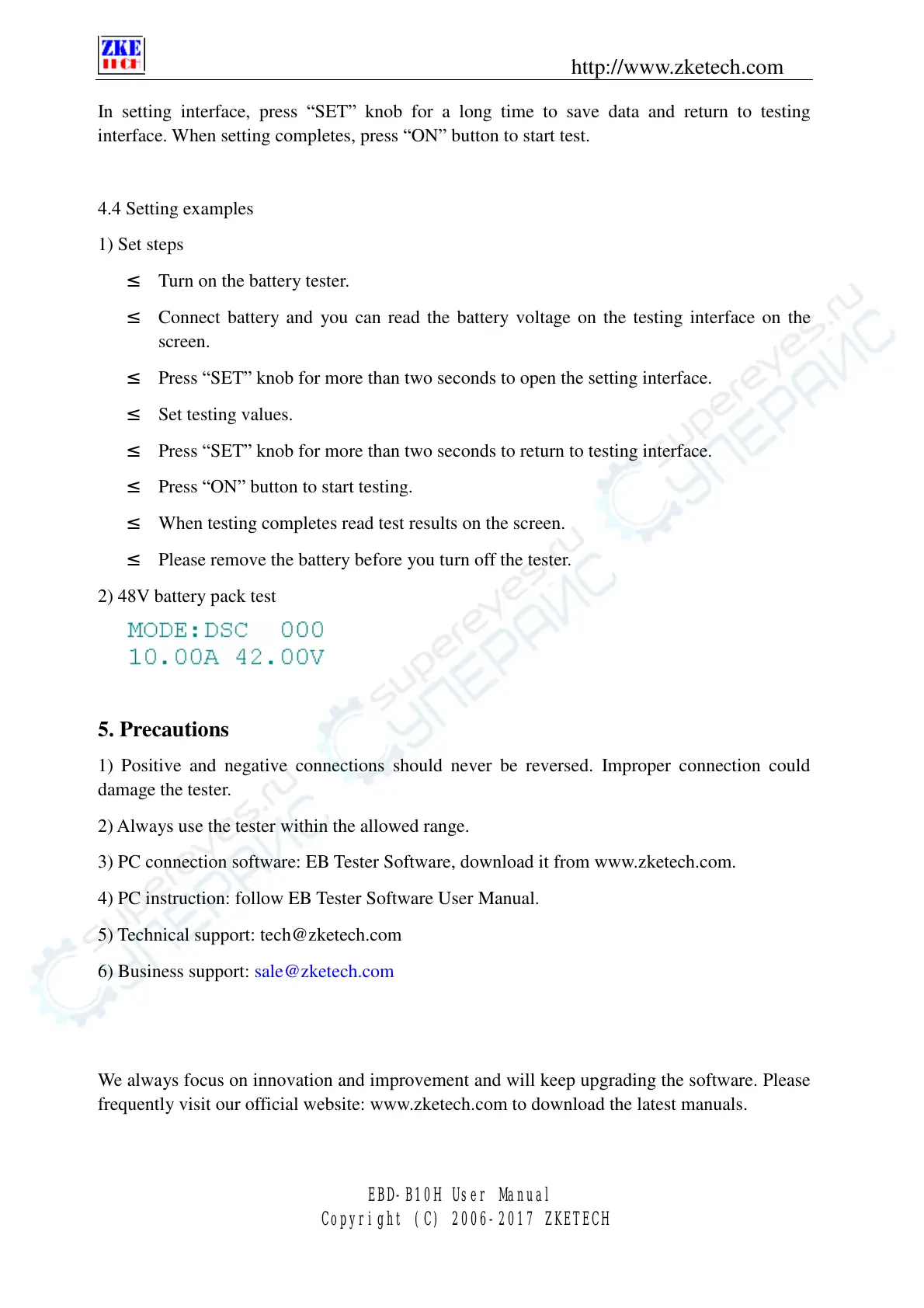
² Turn on the battery tester.
² Connect battery and you can read the battery voltage on the testing interface on the
screen.
² Press “SET” knob for more than two seconds to open the setting interface.
² Set testing values.
² Press “SET” knob for more than two seconds to return to testing interface.
² Press “ON” button to start testing.
² When testing completes read test results on the screen.
² Please remove the battery before you turn off the tester.
2) 48V battery pack test
5. Precautions
1) Positive and negative connections should never be reversed. Improper connection could
damage the tester.
2) Always use the tester within the allowed range.
3) PC connection software: EB Tester Software, download it from www.zketech.com.
4) PC instruction: follow EB Tester Software User Manual.
5) Technical support: tech@zketech.com
6) Business support: sale@zketech.com
We always focus on innovation and improvement and will keep upgrading the software. Please
frequently visit our official website: www.zketech.com to download the latest manuals.


 To Previous Page