Need help?
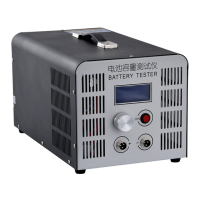
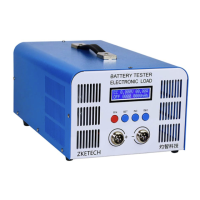
Do you have a question about the ZKETECH EBC-A40L and is the answer not in the manual?
Details the specific connector used for testing operations on the battery tester.
Explains the procedure for connecting the tester to a computer using a USB-TTL cable.
Specifies the necessary power source for operating the EBC-A40L battery tester.
Describes the functions of the SET and ON buttons for controlling the tester's operations.
Explains the information displayed on the tester's screen during various testing modes.
Guides users on how to access and modify test parameters using the tester's interface.
Provides practical examples for configuring discharge and charge test parameters.
 General
| Brand | ZKETECH |
|---|---|
| Model | EBC-A40L |
| Category | Test Equipment |
| Language | English |

 To Next Page