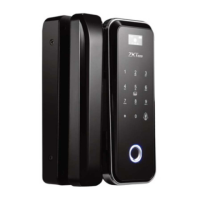
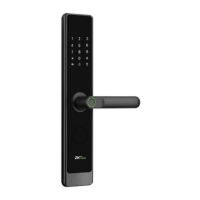
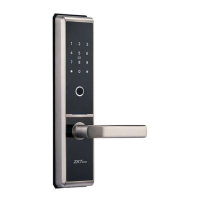
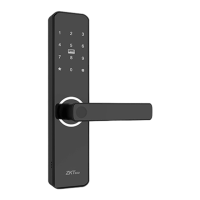
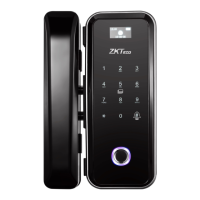
Touch the keypad to power on the lock
Press 0 and # to access into menu
Enter 3 digit user number
Verify administrator by card or password
Press 4 to delete user, and press # to continue
Enter * to complete
Enter # to continue deleting
another normal user


 To Next Page