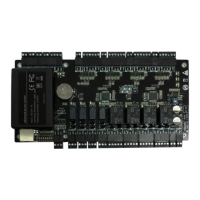
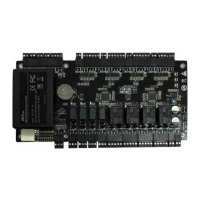
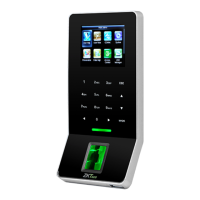
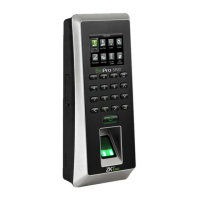
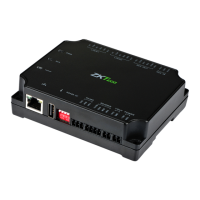
C2-260/inBio2-260 Access Control Panel
User Manual
Page | 15 Copyright©2020 ZKTECO CO., LTD. All rights reserved.
5. The terminals above are set through the relevant access control software. Please see the respective
software manual for further details.
Ports of C2-260/inBio2-260 Control Panel:
Connection with Door Sensors, Exit Switches, Auxiliary 3.5
Input Devices, and RS485 Extension Communication
1. Door sensor
A Door Sensor is used to sense the open/close status of a door. With a door sensor switch, an access
control panel can detect the unauthorized opening of a door and will trigger the output of alarm.
Moreover, if a door is not closed within a specified period after it is opened, the door control panel will
also raise the alarm. It is recommended to select two-core wires with a gauge over 0.22 mm
2
. A door
sensor can be omitted if it is unnecessary to monitor the open/closed status of a door, raise the alarm
when the door is not closed for a long time, monitor if there is unauthorized access, and use the interlock
function.
No. Functional Port
C2-260
(Two-Door Two-Way)
inBio2-260
(Two-Door Two-Way)
1 Exit button
2 2
2 Control lock relay
2 2
3 Door Sensor
2 2
4 Auxiliary Input
2 2
5
Auxiliary Output
2 2
6
RS485 Reader
4 4
7
FR1200 Reader
0 4
8
RS485 Extension
Communication
9 TCP/IP


 To Next Page