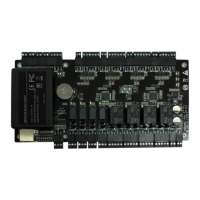
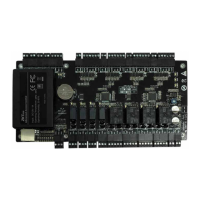
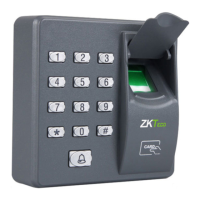
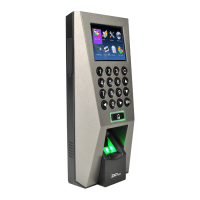
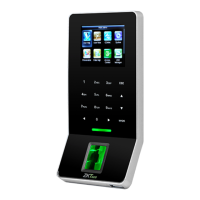
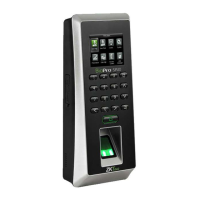
C2-260/inBio2-260 Access Control Panel
User Manual
Page | 23 Copyright©2020 ZKTECO CO., LTD. All rights reserved.
Note:
1. IP addresses of both the server (PC) and the controller must be in the same network segment.
2. IP address of the controller could be found by searching devices with the BioSecurity software
([Access] > [Access Device] > [Device] > [Search Device]).
TCP/IP Settings
Click [TCP/IP Settings] to modify the IP address and gateway address.
Communication Settings
Set communication parameters in ZKPanelWeb and connect the controller to the server (PC); the controller
will automatically push information to the server.
1) Server Settings


 To Next Page