C
o
p
y
r
i
g
h
t
©
2021
Z
K
TE
C
O
C
O
.,
L
T
D
.
All
r
ig
h
t
s
r
es
er
v
ed
.
Check whether there is any interference of the adjacent reader and power
station magnetic field near the reader.
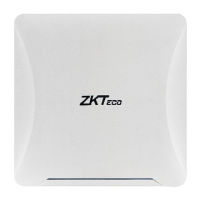
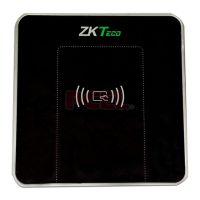
Check whether the reader is installed correctly and whether the tag is
operated correctly.
Replace the tag or reader.
What can be done if the reader doesn’t read the card?
Try the following possibilities:
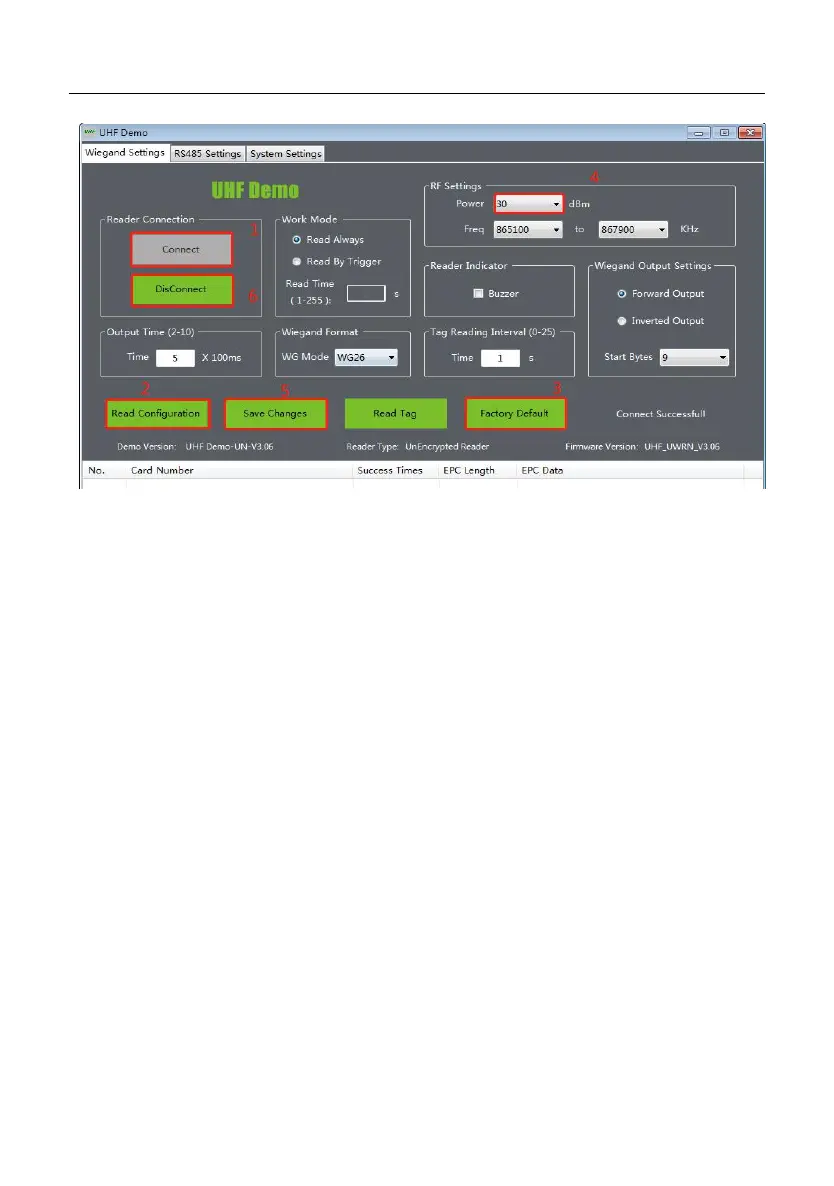
When the reader is connected to DEMO, you need to click
Disconnect
so
that it could read the card again.
Connect the Demo to check whether the manual card reading is normal.
If the manual card reading does not respond, there is a problem with the
reader. If the manual card reading fails after the factory reset, replace the
reader.
Determine whether the tag is our product, replace the tag test.


 To Next Page