EasyManua.ls Logo

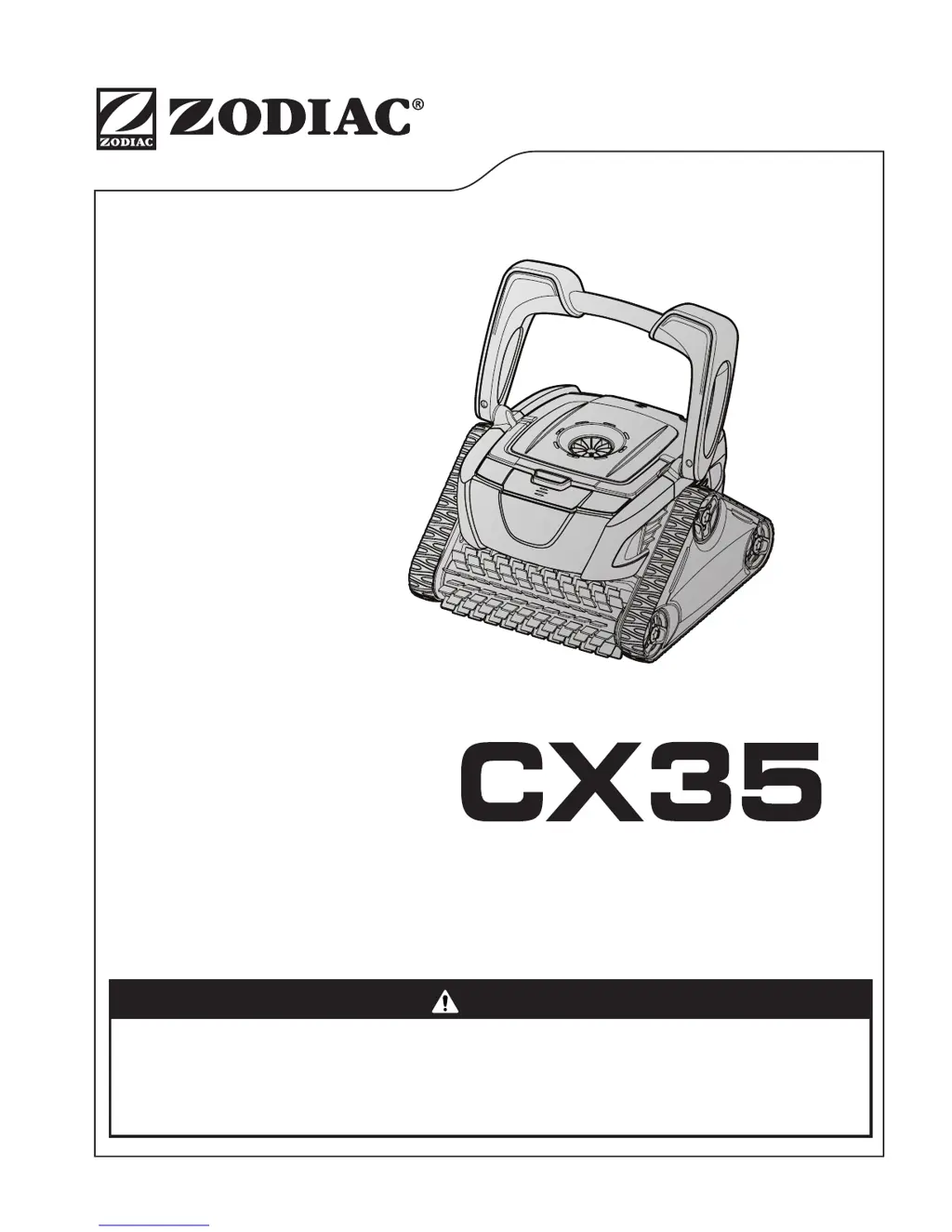
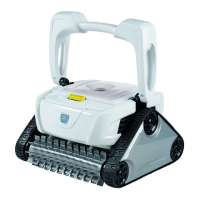
Zodiac CX35 - User Manual

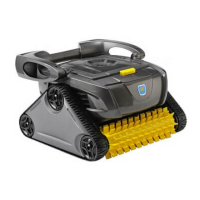
Zodiac CX35
20 pages
Print Icon
To Next Page IconTo Next Page
Loading...
TYPE EM14--
TYPE EM15--
WARNING
H0574000 RevA
FOR YOUR SAFETY - For anything other than the routine cleaning and maintenance described in this
manual, this product must be serviced by a pool technician who is licensed and qualified in pool equipment
by the jurisdiction in which the product will be installed where such state or local requirements exist.
In the event no such state or local requirement exists, the pool technician must be a professional with
sufficient experience in pool equipment installation and maintenance so that all of the instructions in this
manual can be followed exactly. Improper installation and/or operation will void the warranty.
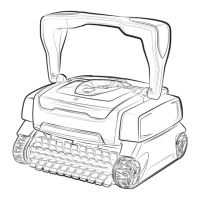
Robotic Pool Cleaner
Owner's Manual

Questions and Answers

  • A
    aaron28Aug 16, 2025
    Why Zodiac CX35 cleaner does not stay firmly on the pool bottom?
    • H
      Heather ChavezAug 16, 2025
      If your Zodiac Swimming Pool Vacuum isn't staying firmly on the pool bottom, it could be due to air in the appliance casing. Remove the cleaner from the pool and re-submerge it. Another possible cause is a full or dirty filter canister. In this case, remove the cleaner from the pool and clean the filter canister.
  • R
    Rebecca AndersonAug 18, 2025
    What to do if Zodiac CX35 Swimming Pool Vacuum cleaner is not cleaning effectively?
    • J
      juliesnyderAug 18, 2025
      If your Zodiac Swimming Pool Vacuum is not cleaning effectively, it might be because the brushes have become smooth or the wear indicator shows. Remove the cleaner from the pool and replace the brushes. Another reason could be that the filter canister is full or dirty, so remove the cleaner from the pool and clean the filter canister. Also, check if the floating cable is excessively coiled or kinked. Remove the cleaner from the pool, spread the floating cable, and ensure it's not too tightly wrapped during storage. If the problem continues, lay the cable straight in the sun to relax it and remove kinks.
  • S
    Stephanie MorrowAug 22, 2025
    Why Zodiac Swimming Pool Vacuum cleaner does not or no longer climbs the pool walls?
    • P
      pattersontamiAug 22, 2025
      If your Zodiac Swimming Pool Vacuum is not climbing the pool walls, the filter canister might be full or dirty. Remove the cleaner from the pool and clean the filter canister. Alternatively, the pool walls may be slippery or slimy due to microscopic algae. Remove the cleaner from the pool and perform a shock chlorination treatment, ensuring you DO NOT leave the cleaner in the pool during this treatment.
  • W
    William JohnsonAug 25, 2025
    What to do if Zodiac CX35 Swimming Pool Vacuum cleaner does not move on startup?
    • E
      Eric SantiagoAug 26, 2025
      If your Zodiac Swimming Pool Vacuum cleaner does not move on startup, check that the power outlet to which the Control box is connected is operating correctly by plugging another device into it. Also, make sure the unit is not turned OFF. Turn the wheels then disconnect the Control box and wait at least 20 seconds before reconnecting.
  • T
    Tim DuncanAug 28, 2025
    What to do if Information LED flashes during cleaning cycle of Zodiac CX35 Swimming Pool Vacuum?
    • L
      Lisa MillerAug 28, 2025
      If the Information LED flashes during the cleaning cycle of your Zodiac Swimming Pool Vacuum, it could be that the cleaner is sucking air. Remove the cleaner from the pool and re-submerge it.
  • L
    Laura BullockAug 31, 2025
    What to do if the cable is tangling in the pool with Zodiac CX35 Swimming Pool Vacuum?
    • S
      Shelby LynchAug 31, 2025
      If the cable is tangling in the pool with your Zodiac Swimming Pool Vacuum, it may be due to too much cable length in the water. Remove the cleaner from the pool and avoid unraveling the entire cable. Use only the maximum cable length needed to cover the pool area, placing the remaining unused cable on the side of the pool. Adjust the entry location in the pool to correct cord tangling.
  • C
    Cynthia HarrisSep 3, 2025
    What to do if Information LED flashes just after start of Zodiac CX35?
    • J
      Jason RamseySep 3, 2025
      If the Information LED flashes just after starting your Zodiac Swimming Pool Vacuum, the floating cable may not be correctly plugged into the Control box. Remove the cleaner from the pool, unplug the floating cable from the Control box, and reconnect it. Another possibility is that the cleaner may not be fully submerged, so remove the cleaner from the pool and re-submerge it. The cleaner may also need to be reset by removing it from the pool, pressing the power button OFF, and then starting a new cycle.
  • J
    Jacob HoganSep 5, 2025
    What does three flashes LED mean for Zodiac CX35 Swimming Pool Vacuum?
    • S
      Sean MillerSep 6, 2025
      If the LED flashes three times on your Zodiac Swimming Pool Vacuum, the pump axis or propeller may be jammed with debris, or the filter may be dirty. Check the pump axis and propeller for any debris. Also, clean the filter and start a new cleaning cycle.
  • J
    Julie AllenSep 9, 2025
    What does two flashes LED mean for Zodiac CX35?
    • M
      Mary DavisSep 9, 2025
      If the LED flashes twice on your Zodiac Swimming Pool Vacuum, the cleaner wheels may be jammed or the brushes may be blocked with debris. Turn the cleaner wheels to ensure they are not jammed and check the brushes for any debris. Then, start a new cleaning cycle.
  • L
    Laura DoyleSep 12, 2025
    What does one flash LED mean for Zodiac CX35?
    • J
      Jennifer StokesSep 12, 2025
      If the LED flashes once on your Zodiac Swimming Pool Vacuum, the floating cable may not be plugged into the Control box correctly. Unplug the floating cable from the Control box and reconnect it.

Summary

Important Safety Instructions

Prevent Electrical Shock

Instructions to reduce the risk of electrical shock while operating the pool cleaner.

Prevent Child Injury and Drowning

Guidelines to prevent injury or drowning, especially for children, using the pool cleaner.

Getting Started

Connecting to a Power Source

Instructions and safety warnings for connecting the control box to the electrical power supply.

Operation

Starting the Cleaner

Instructions on selecting the cleaning surface and initiating a cleaning cycle for the robotic cleaner.

Stopping and Removing Cleaner

Procedure for safely stopping the cleaner and lifting it out of the pool using the handle.

Troubleshooting

Using the Information LED for Troubleshooting

Interpreting the LED flashes on the control box to diagnose and resolve cleaner malfunctions.

General Troubleshooting Guide

Common problems, their causes, and solutions for issues like no movement, tangling, or ineffective cleaning.

Zodiac CX35 Specifications

General IconGeneral
TypeRobotic
Pool TypeIn-ground
Cleaning Cycle2.5 hours
Pool Surface CompatibilityConcrete, Fiberglass, Vinyl
Filter TypeTop access basket filter
Weight21 lbs

Related product manuals