EasyManua.ls Logo

Zodiac FloPro VS - User Manual

Zodiac FloPro VS
23 pages
Print Icon
To Next Page IconTo Next Page
Loading...
H0589800.B - 2017/03
More documents on:
www.zodiac-poolcare.com
FloPro™ VS
FR
Instruc ons for installa on and use - English
Filtra on pump
Transla on of the original instruc ons in french
EN
PT
ES
DE
NL

Questions and Answers

  • A
    Anna CobbAug 14, 2025
    Why is my Zodiac FloPro VS Swimming Pool Pump water not circulating properly?
    • D
      Dale GreenAug 14, 2025
      The water might not be circulating properly in your Zodiac Swimming Pool Pump due to a dirty basket or filter, or incorrectly set valves. To resolve this, clean the basket or filter and adjust the valves.
  • B
    Brenda HendersonAug 17, 2025
    What to do if my Zodiac Swimming Pool Pump heats and sometimes switches off?
    • G
      Gregory HardinAug 17, 2025
      If your Zodiac Swimming Pool Pump is overheating and switching off, it could be due to poor air circulation around the motor, bad electrical connections, or high current variations. Ensure the motor is correctly ventilated for cooling and check the electrical connections. It is also recommended to have the electric circuit checked by a qualified technician.
  • A
    Anna GarrettAug 20, 2025
    What to do if my Zodiac FloPro VS won't start?
    • B
      Benjamin AllenAug 21, 2025
      If your Zodiac Swimming Pool Pump won't start, the issue might be due to no power supply to the pump, a damaged user interface cable, or an incorrectly configured pump address. Check the electrical connections and the condition of the user interface cable.
  • C
    Carla WoodAug 25, 2025
    Why are there air bubbles in my Zodiac Swimming Pool Pump basket?
    • D
      Debra HansonAug 25, 2025
      Air bubbles in your Zodiac Swimming Pool Pump basket can be caused by air blocked in the circuit, a low pool water level, or an incorrectly sealed pump lid. Purge the circuit, check and add water if the pool water level is too low, and ensure the pump cover and seal are airtight.
  • A
    Adam StewartAug 27, 2025
    What to do if there is no debris in the Zodiac FloPro VS Swimming Pool Pump but the pressure is low?
    • J
      Joanne CollinsAug 27, 2025
      If there is no debris, but the pressure remains low in your Zodiac Swimming Pool Pump, the pump impeller and diffuser might be worn, there may be an electric problem, or the seal is worn. It is recommended to have the impeller and diffuser replaced by a qualified technician, have the electric installation checked, or replace the seal.
  • J
    Joshua BentonAug 30, 2025
    Why does the user interface display "PUMP NOT CONNECTED" on my Zodiac Swimming Pool Pump?
    • V
      Valerie MitchellAug 31, 2025
      If the user interface displays 'PUMP NOT CONNECTED' on your Zodiac Swimming Pool Pump, this could be due to a damaged user interface cable or an incorrectly configured pump address. Check the condition of the user interface cable.
  • N
    nancysnyderSep 2, 2025
    Why are there air intakes in my Zodiac FloPro VS?
    • P
      pbradshawSep 3, 2025
      Air intakes in your Zodiac Swimming Pool Pump could be caused by fittings that are not properly tightened or fitting seals that are incorrectly positioned or damaged. Make sure to tighten the fittings and change the seals.
  • R
    Raymond JonesSep 6, 2025
    What to do if there is no air in the circuit but the pressure is low in my Zodiac FloPro VS Swimming Pool Pump?
    • A
      Amanda SmithSep 6, 2025
      If there's no air in the circuit but the pressure is low in your Zodiac Swimming Pool Pump, there might be debris stuck inside the pump. Remove the debris manually by opening the lid and removing the basket. If debris remains, the pump will need to be dismantled to access the impeller. Note: dismantling should be done by a qualified technician.
  • C
    contrerasnicholasSep 10, 2025
    Why is there nothing on the user interface or the external controller display of my Zodiac FloPro VS Swimming Pool Pump?
    • T
      Thomas NguyenSep 10, 2025
      If there is nothing on the user interface or the external controller display of your Zodiac Swimming Pool Pump, it may be caused by an incorrectly configured pump address or a damaged user interface cable. Check the condition of the user interface cable.

Summary

Specifications

Description

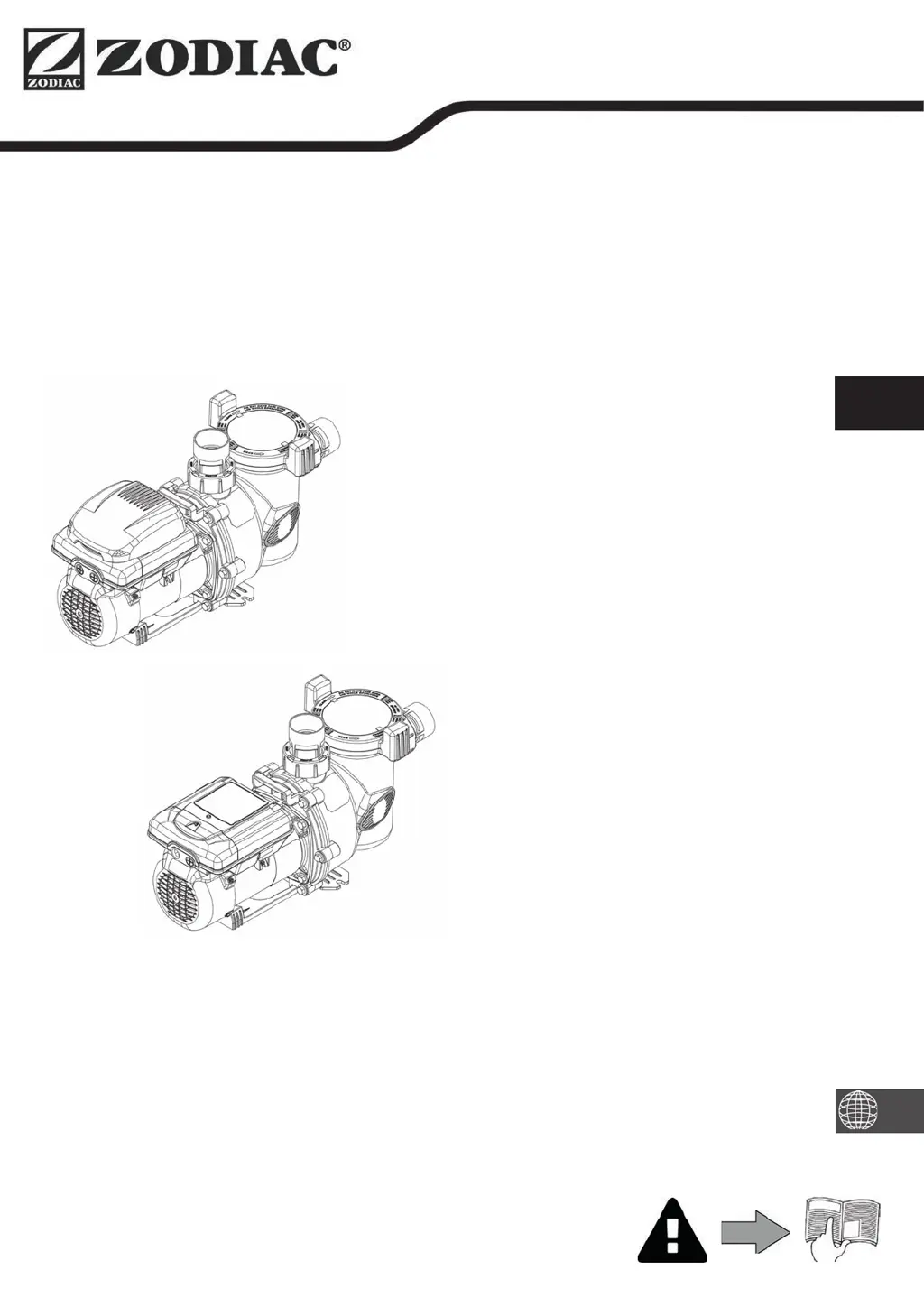
Provides a general overview of the FloPro™ VS pump components.

Technical specifications

Details key technical data including voltage, power, flow rates, and dimensions.

Dimensions and marking

Shows physical dimensions and identifies different parts of the pump.

Performance curves

Illustrates pump performance based on flow rate and manometric head.

Installation

Selecting the location

Guidance on choosing an appropriate and safe installation site for the pump.

Hydraulic connections

Instructions for connecting the pump to the pool's plumbing system.

Electricity supply connection

Steps for safely connecting the pump to the electrical power supply.

Connecting the user interface

Details on connecting the pump's control interface for operation.

Connection to an external controller

Instructions for integrating the pump with external control systems like iQPUMP.

Use

Operating principle

Explains how the filtration pump circulates water in the pool system.

User interface presentation

Overview of the pump's control panel and its display elements.

Operation

Guidance on the basic steps for operating the pump safely and correctly.

User functions

Details on keypad locking, starting/stopping speeds, and timer settings.

Additional user functions

Advanced user settings for display, language, and password protection.

Additional functions for professionals only

Advanced configuration options for service technicians.

Maintenance

Winterising

Procedures for preparing the pump for cold weather to prevent damage.

Servicing

Recommendations for regular maintenance by qualified personnel.

Troubleshooting

Appliance behaviour

Guides users through common issues and their potential solutions.

Zodiac FloPro VS Specifications

General IconGeneral
Power1.65 HP
Voltage230V
Warranty3 years
Energy EfficiencyEnergy Star Certified
Speed SettingsVariable
TypeVariable Speed
ControlDigital
Dimensions12.5 x 12.5 inches