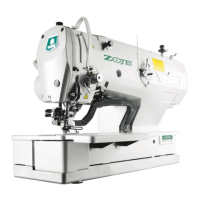
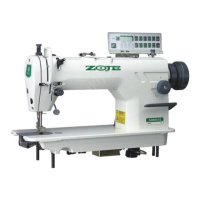
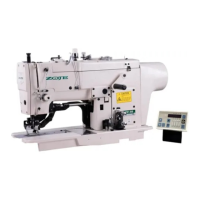
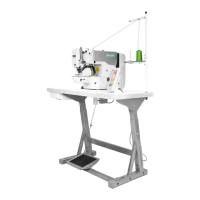
Operation and Debugging 20X Bar-tacking and Button Sewing Machine(LCD N)
2 Operation and Debugging
2.1 Instructions of Operation Panel
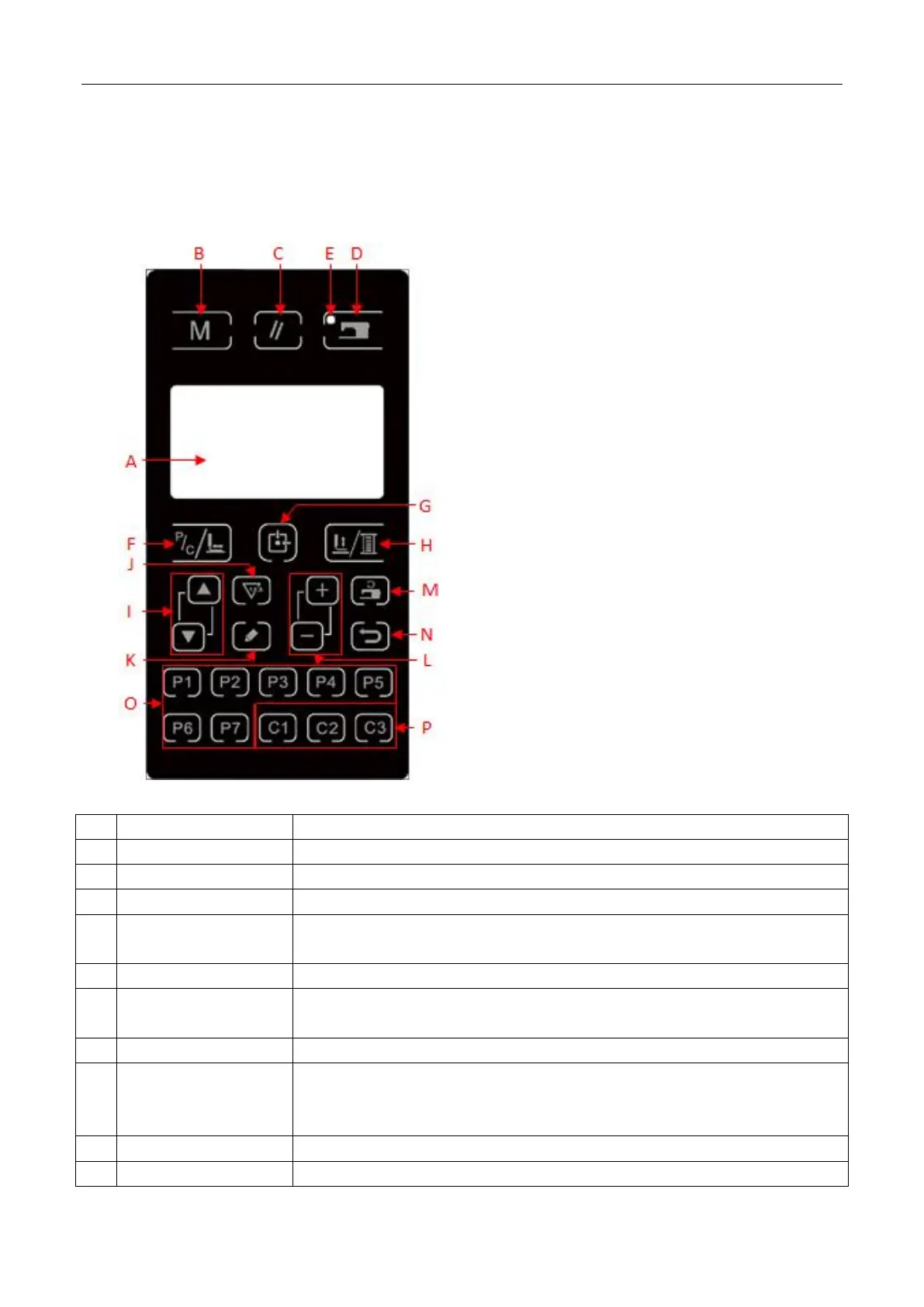
Display pattern number, shape and various other data.
This key initiates the setting of parameters or stored patterns.
This key is used for canceling error or returning the set value to the initial value
This key changes from the setting state of the panel to the sewing state where the
sewing machine actually operates.
LED is on under sewing mode.
C Pattern
Shift/Single-step Sewing
When LED is off, enter P/C pattern list; after LED is on, lower down the presser
foot and find origin of XY stepping.
When LED is off, lower down the presser foot and find origin of XY stepping.
This key is used to lift or lower the presser foot. When presser foot is up, move
the needle bar back to origin; when the presser foot is down, move the dial the lin
organization to the right. Press this key when winding.
This key initiates the setting of parameters or stored patterns.
Under sewing editing mode (unready for sewing), press it to enter counter setting



 To Next Page