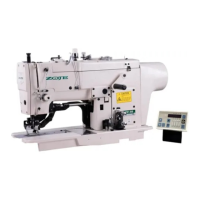
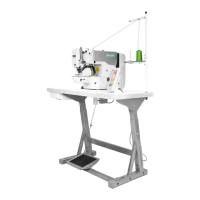
Operation and Debugging 20X Bar-tacking and Button Sewing Machine(LCD N)
53
2.3.6 System Output Test
Under this mode, press key to shift and select the device to be tested, and press key to
drive that device.
(01)Wiper solenoid
(02)Tension solenoid
(03)Clamp solenoid
2.3.7 Panel Test
Under this test, press key to light up all LED lights on the panel and the full screen of LCD, and press
key to return to normal display status.
2.4 Basic Operations
2.4.1 Pattern Number Setting
Open power swtich.
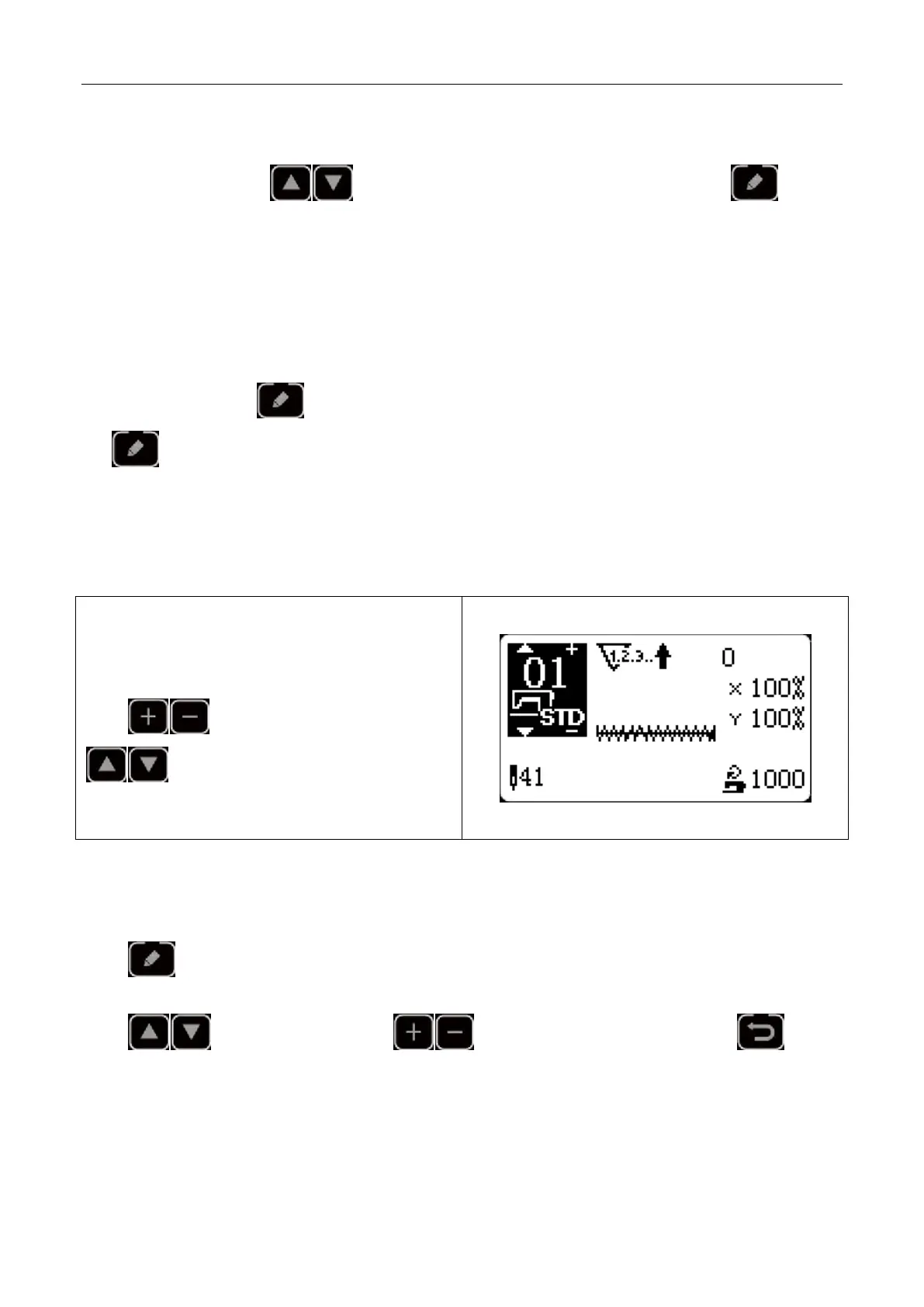
On the left upper side of the screen will be displayed the
pattern No., as well as pattern shape, X/Y scale rate,
thread tension and sewing speed.
Press key to change pattern No. and press
key to shift pattern mode, that is, memory
pattern(Pattern imported from outside), P pattern and C
cyclic pattern.
2.4.2 Item Data Setting
Press key and the item data input interface will be displayed.
On the left side is the item to be edited and on the right side is the content of setting.
Press key to select item, press key to change the content and press to save
and return.



 To Next Page