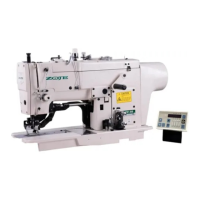
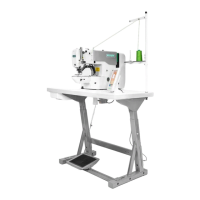
20X Bar-tacking and Button Sewing Machine(LCD N) Operation and Debugging
54
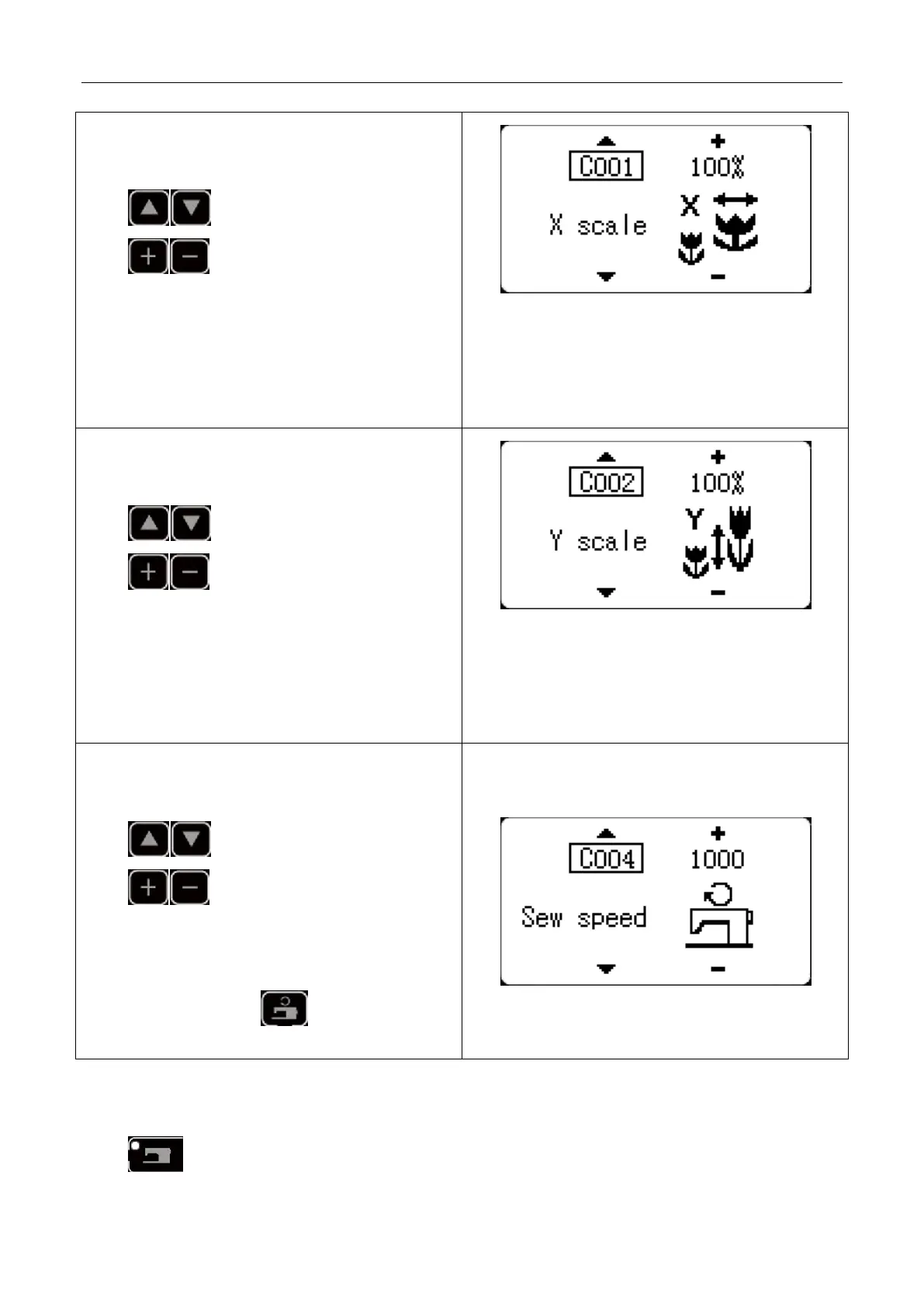
(1) X Size Input
Press to display C001X size.
Press key to display the intended value.
X/Y size can be inputted by % or by actual size (set by
parameter U063) and the default setting is % input.
Note: if the set value is beyond the sewing range
allowed by the presser foot, the needle may collide
with the presser foot and thus cause needle breakage
which is very dangerous.
(2) Y Size Input
Press to display C002 Y size.
Press key to display the intended value.
X/Y size can be inputted by % or by actual size (set by
parameter U063) and the default setting is % input.
Note: if the set value is beyond the sewing range
allowed by the presser foot, the needle may collide
with the presser foot and thus cause needle breakage
which is very dangerous.
(3) Sewing Speed Input
Press key to display C004 sewing speed.
Press key to display the intended value.
The inputted value is limited by the max. sewing speed
set by parameter U001.
Or under sewing editing mode (unready for sewing),
press Sewing Speed Key to enter C004 sewing
speed setting mode directly.
(4) Setting Completion
Press key.



 To Next Page