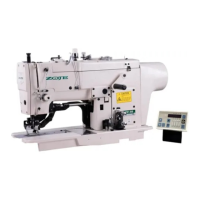
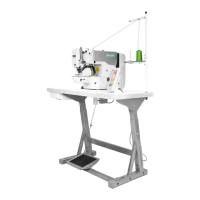
Operation and Debugging 20X Bar-tacking and Button Sewing Machine(LCD N)
59
1) Use parameter U031 to set the RESET key as 1 and
the RESET key will be changed into pause key to
stop the machine during sewing.
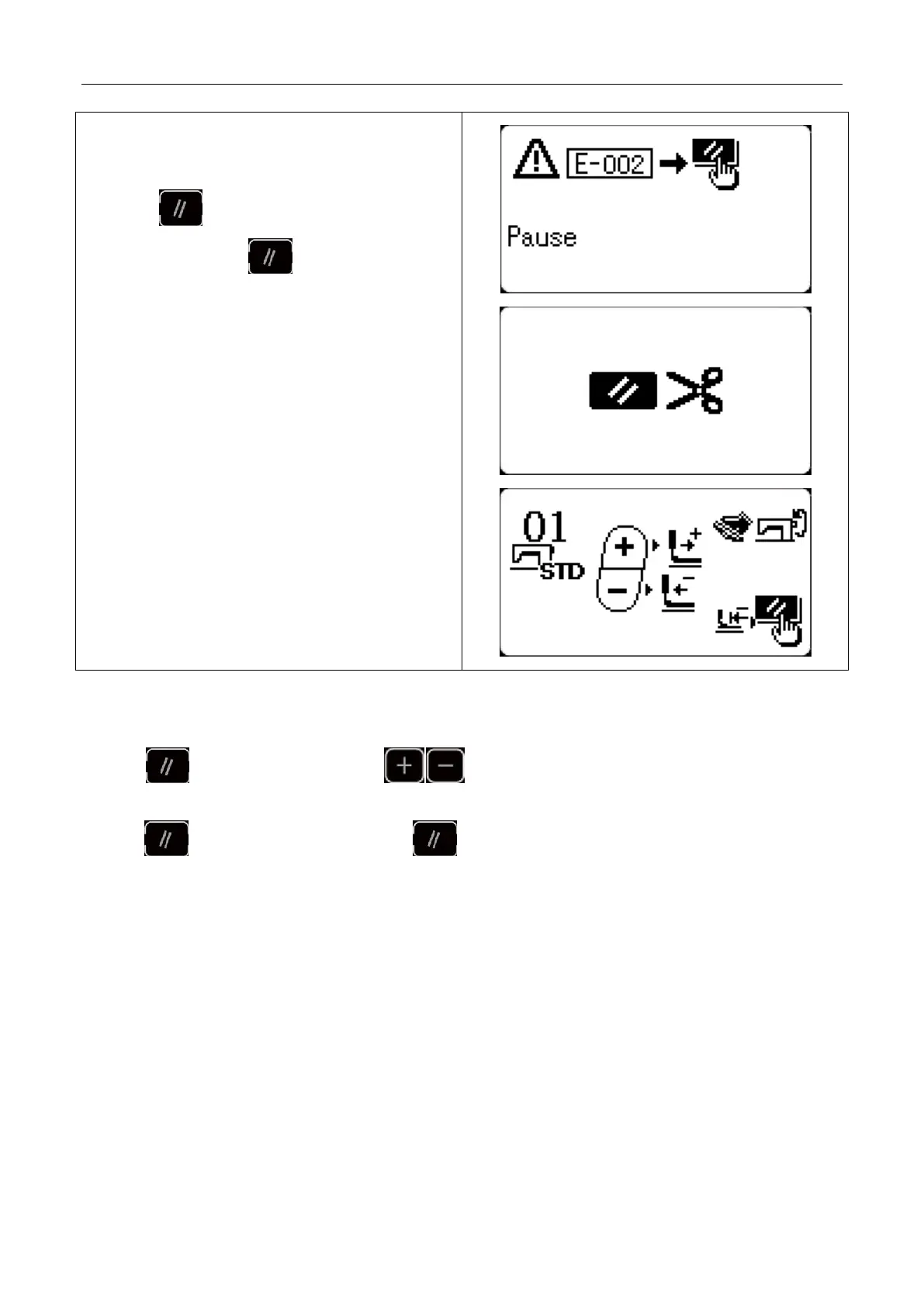
2) Press to stop the machine and “E-002” will
be displayed. Press key again to release the
error and the interface to feed cloth forward/backward
will be displayed.
Note:In addition to the above two modes of
operation,it can also be set as an esternal emergency
stop according to the requirements,and an external
switch on the electrically controlled X45 socket.
3) Then, 3 operations are available:
1. Use starting switch to start sewing.
2. Press key to trim thread and use key to adjust position. Then use starting switch to start
sewing.
3. Press key to trim the thread and press key again to return to origin.
4.After pressing RESET key to trim thread, user can step the pedal again to continue sewing.
2.5 P Pattern and C Pattern Setting
2.5.1 Use Pattern Key to Sew
(1) Register to Pattern Key
Example: register pattern No.3 to P2, with X scale rate as 50%, Y scale rate as 80%, sewing speed as 2000sti/min, X
scale rate as 0.5, Y scale rate as -1.0..



 To Next Page