Package Contents
If you purchased the 5/8-port Ethernet Switch, your package should
contains the following :
• This Installation Guide
• 5/8-port Ethernet Switch
• AC/DC Power Adapter
(
9 Volts 500mA
)
• Rubber Pads for tabletop installation
Hardware Overview
Before you start to setup your network with your Ethernet Switch, browse
through this section first and familiarize yourself with the various
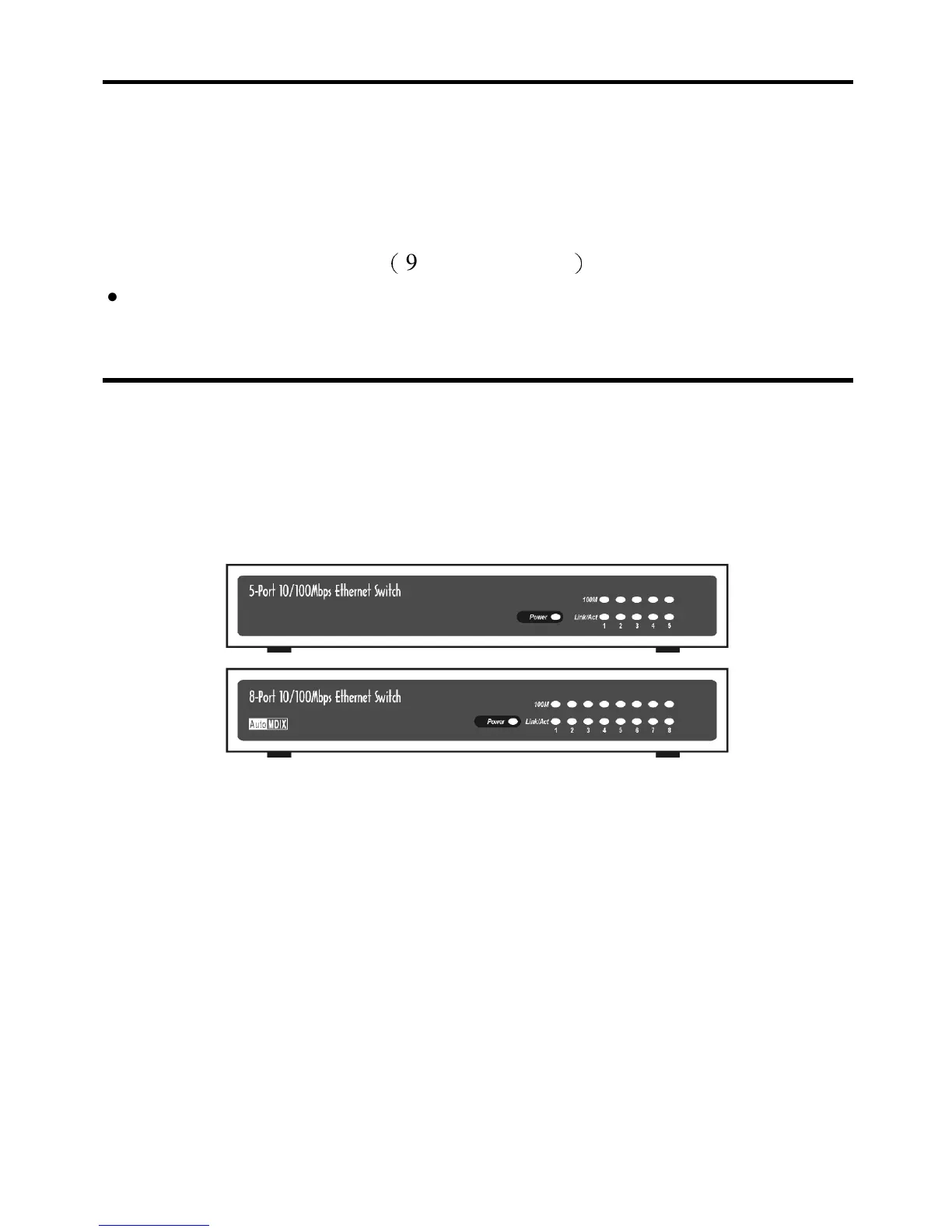
components of the hub. This section shows what the front and rear panels
look like and briefly explains what each component is intended for.
The Front Panel
Figure 2-1. Front Panel of 5/8-port Ethernet Switch
Front panel of the Ethernet Switch consists of the followings:
• Normal 10Base-T / 100Base-TX UTP auto MDIX Ports
These ports allow connections to PCs, workstations and servers in a
10Base-T or 100Base-TX network. They can automatically detect the
transmission speed (that is, 10Mbps or 100Mbps) and adjust



 To Next Page