Remote WEB Management
This function is to allow the network administrator to manage ZSR9104WE
remotely. If you want to access ZSR9104WE from outside the local network,
please select the Enable.
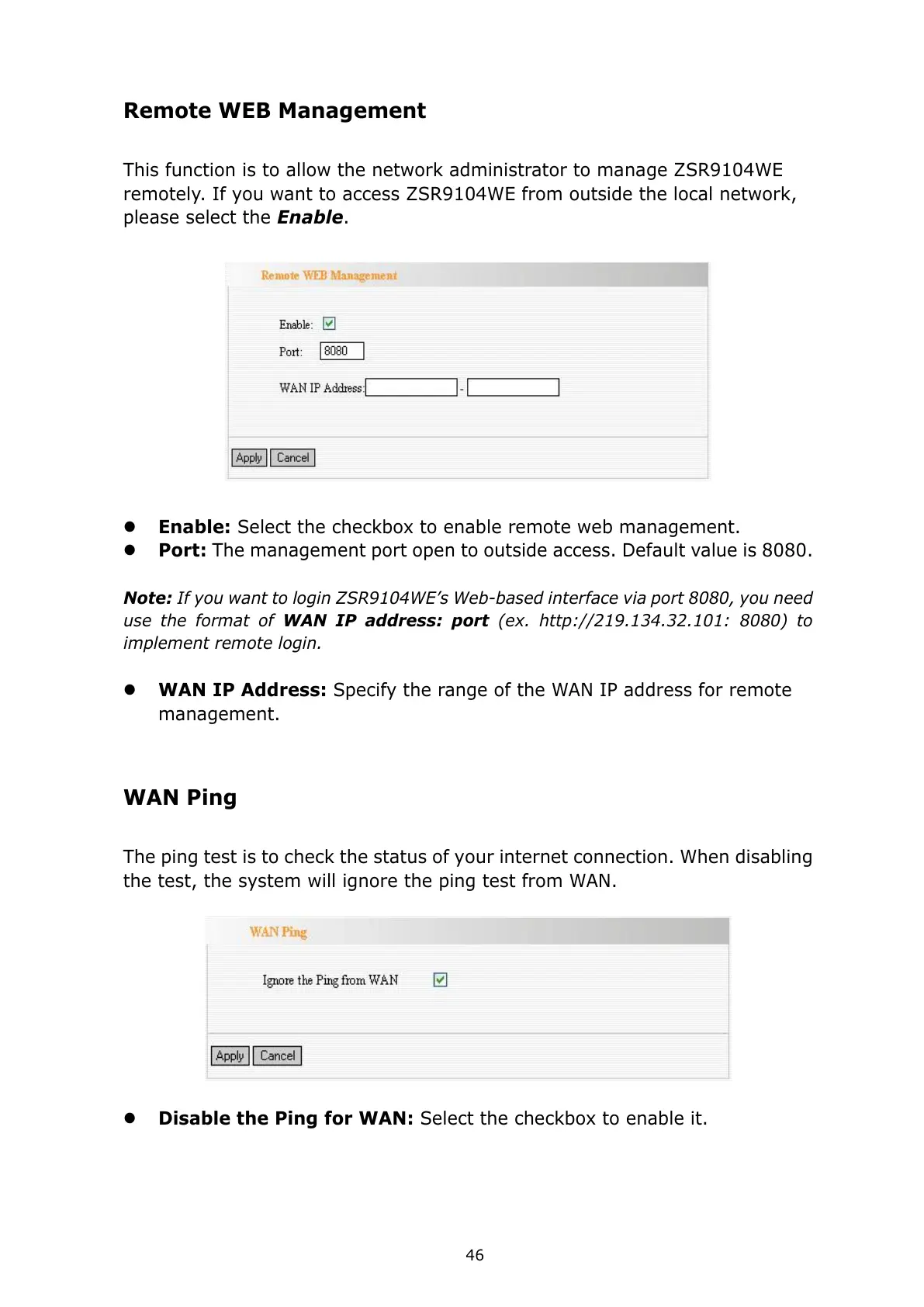
Enable: Select the checkbox to enable remote web management.
Port: The management port open to outside access. Default value is 8080.
Note: If you want to login ZSR9104WE’s Web-based interface via port 8080, you need
use the format of WAN IP address: port (ex. http://219.134.32.101: 8080) to
implement remote login.
WAN IP Address: Specify the range of the WAN IP address for remote
management.
WAN Ping
The ping test is to check the status of your internet connection. When disabling
the test, the system will ignore the ping test from WAN.
Disable the Ping for WAN: Select the checkbox to enable it.



 To Next Page