2 Typical Computer Installation 13
2
22
2
Right-click Fax on BluetoothModem and then select
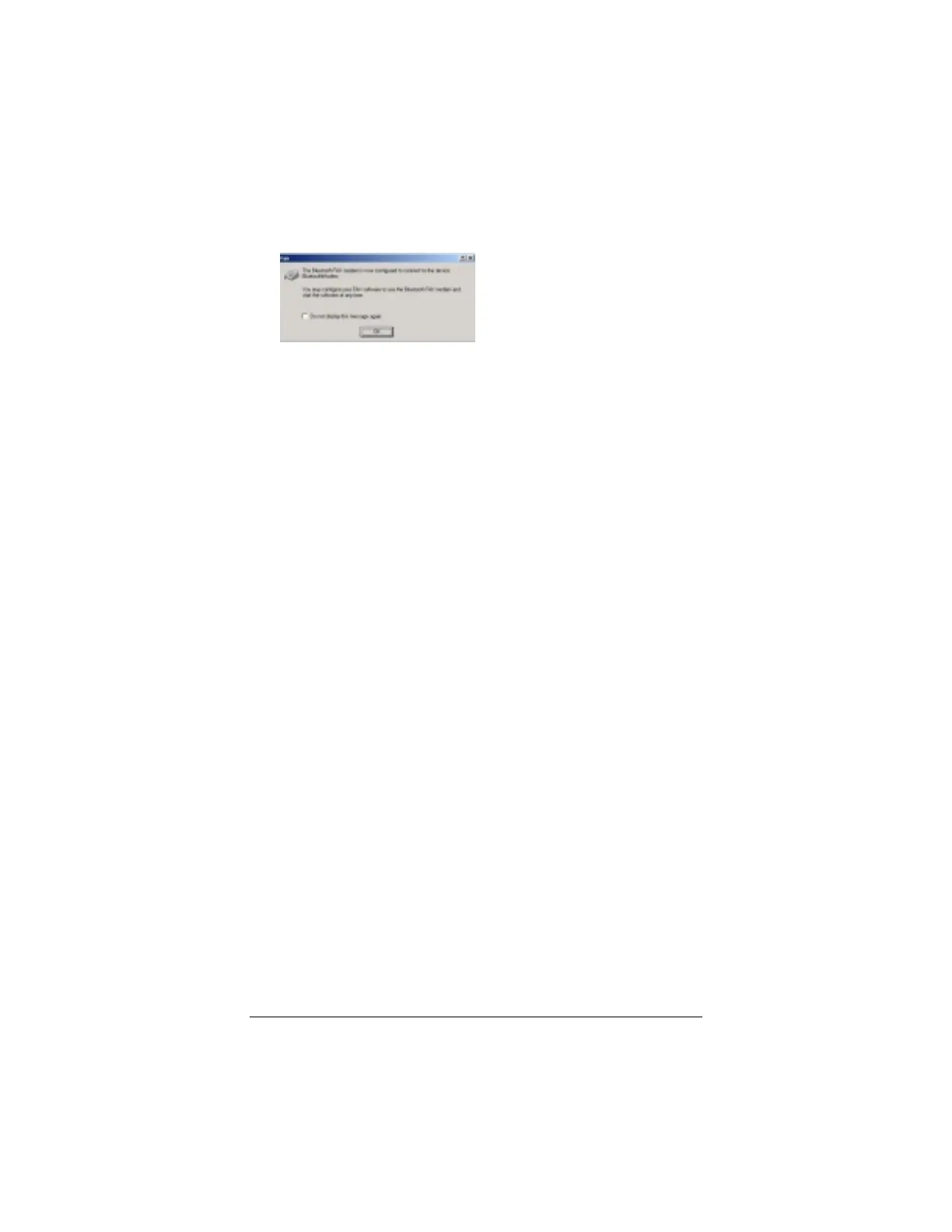
Connect Fax to display the following dialog box.
Click OK.
3
33
3
You can now use your computer’s built-in faxing software or
any third-party faxing software to send a fax. Note: Once
you’ve sent a fax, your faxmodem connection will
automatically disconnect. However, once you have enabled
your modem’s faxing capability, whenever you create a fax, the
modem will automatically dial-up and send it.



 To Next Page