Storing/Copying Patches
ZOOM B2.1u
17
D 4
D
4
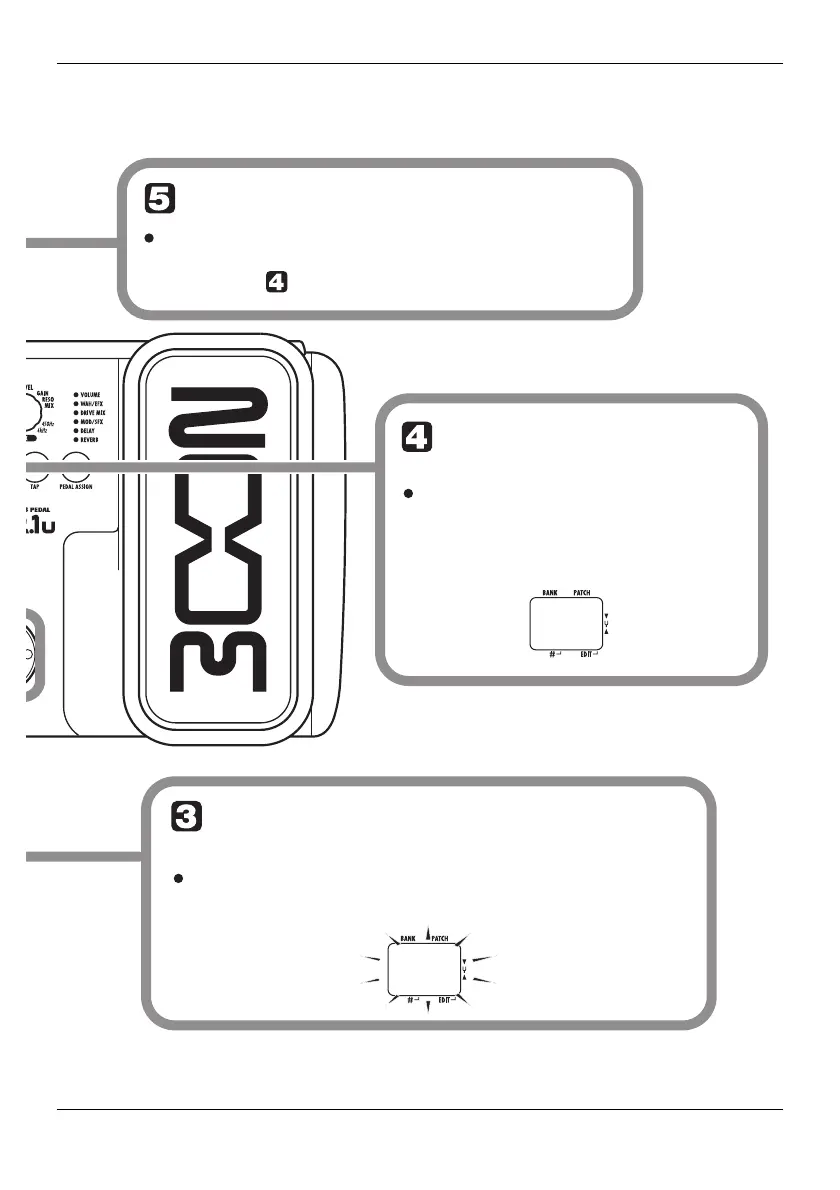
To cancel the store process
To cancel the store process, operate the
Module selector before pressing the [STORE]
key again ( ).
Press the [STORE]
key once more
When the store/copy process is
completed, the B2.1u returns to
the previous mode, with the target
patch being selected.
Specify the store/copy target
patch number
To specify the store/copy target patch number, use
the [W]/[Q] foot switches.



 To Next Page