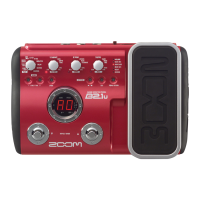
ZOOM B2.1u
16
Storing/Copying Patches
An edited patch can be stored in a bank of the user area (A – d). It is also possible to store an existing patch
in another location to create a copy.
A 0
D 0
NOTE
NOTE
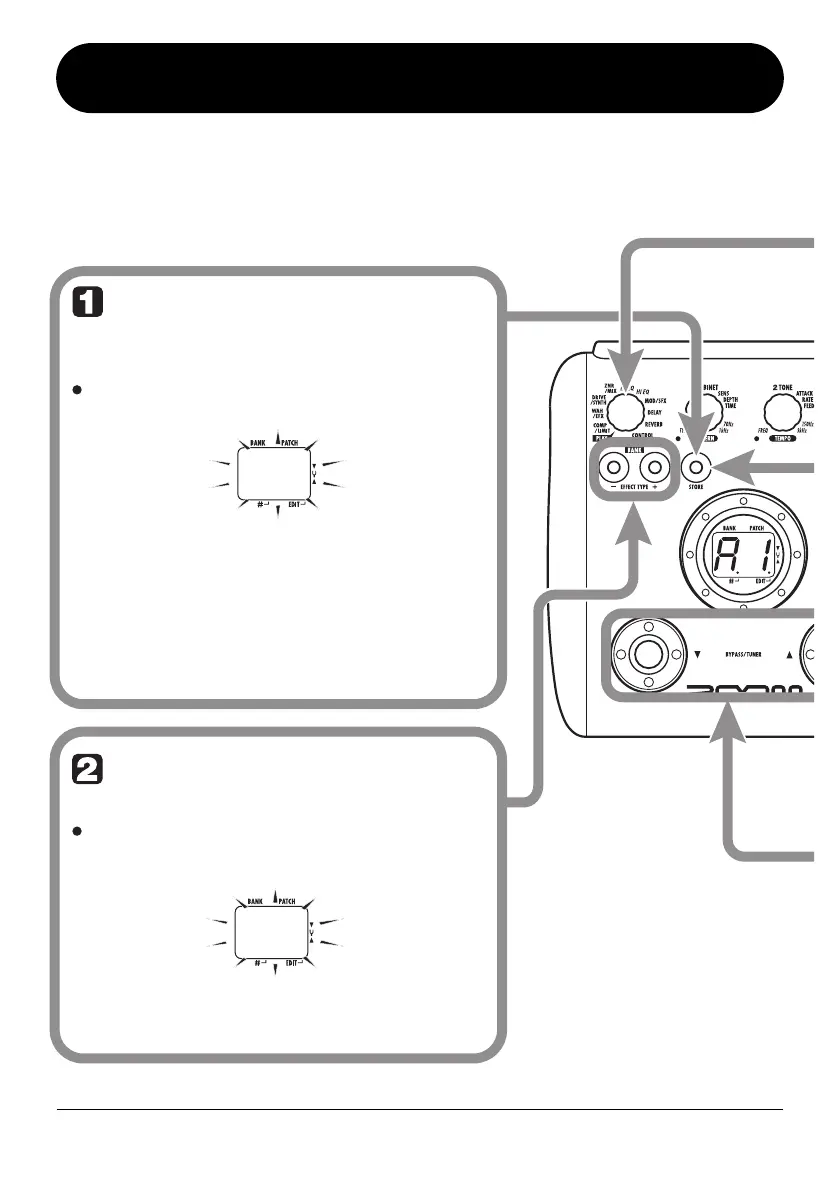
In play mode or edit
mode, press the [STORE]
key
The bank and patch number are shown
on the display as a flashing indication.
Patches of banks in the preset area (0 –
3) are read-only. No patches can be
stored or copied into these locations. If
you press the [STORE] key while a patch
from the preset area is selected, the
patch "A0" (bank A, patch number 0) will
be selected automatically as default
store/copy target.
Select the store/copy
target bank
To select the store/copy target bank,
use the BANK [-]/[+] keys.
Only a bank of the user area (A – d) can
be selected as store/copy target bank.


 To Next Page