Using the FIRE-18
11
ZOOM FIRE-18
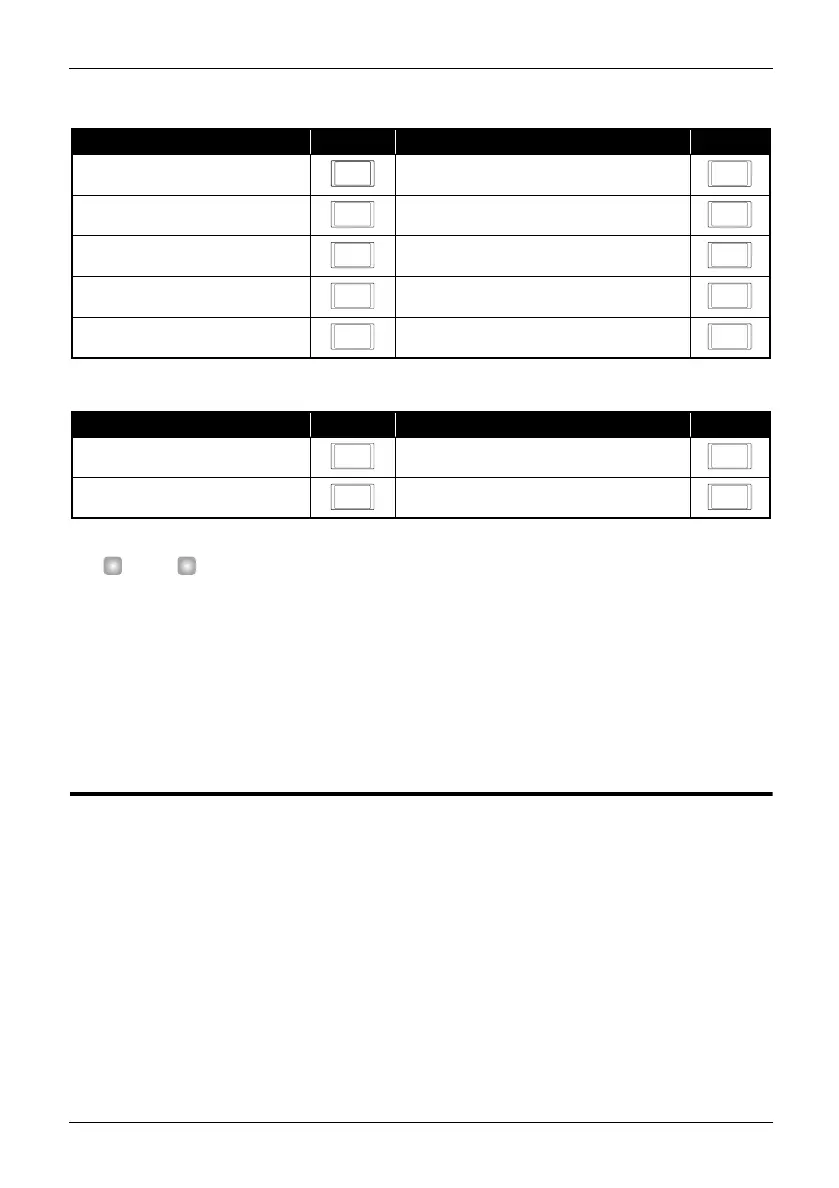
Available modulation effect types and their abbreviations are listed in the table below.
The available delay/reverb effect types and the corresponding codes are shown in the table below.
H
INT
•You can use a modulation effect and a delay/reverb effect simultaneously. If necessary, perform the above
steps again for the other effect.
• In program mode, you can call up a patch and change the effect setting.
• When the effect in the selected patch is off, you can select an effect type and setting value by performing
steps 1 – 3.
• When the effect in the selected patch is on ([MODULATION] key or [DELAY/REVERB] key LED lit), you can
press the key whose LED is lit to call up the effect type and setting value onto the display. You can then
use the VALUE [Q
]/[W
] keys to change the effect type and/or setting value.
Loading and storing patches
The FIRE-18 offers a bank of ten read/write user patches (U) and two banks of ten read-only
preset patches (A, b). Patches in each bank are numbered 0 - 9.
This section explains how to call up stored user patches or preset patches and how to save
amplifier and effect settings in a user patch.
◆
Loading a patch
1.
Press the [PROGRAM/BANK] key in the patch section, so that the LED lights up.
The FIRE-18 switches from manual mode to program mode, and the currently selected patch is
shown on the display.
Effect type) Code Effect type Code
CHORUS AUTO WAH
FLANGER STEP
PHASE SLOW-A (slow attack)
DOUBLING PITCH (pitch shift)
TREMOLO RING MOD (ring modulator)
Effect type Code Effect type) Code
DELAY ROOM
ECHO HALL
C
W
F S
H A
D P
T R
D R
E H
F18-E.fm 11 ページ 2004年2月27日 金曜日 午後2時25分



 To Next Page