Using the FIRE-18
15
ZOOM FIRE-18
N
OTE
Please do not connect or disconnect the foot switch while power is turned on.
2.
Turn power to the FIRE-18 on.
The FIRE-18 is in manual mode.
3.
Press the foot switch while you are playing your instrument.
When you push the foot switch, the FIRE-18 switches to program mode, and the currently
selected patch becomes active. If required, use the [PROGRAM/BANK] key and [
Q
]/[W
] keys to
switch the bank and patch number.
4.
To return to manual mode, press the foot switch again, or press the [MANUAL] key.
Returning the FIRE-18 to the factory default settings
(all initialize)
If required, you can return the settings of the user patches (U0 – U9) to the condition in which the
unit was shipped. (This function is called "all initialize".)
N
OTE
When you carry out this function, any settings that you have stored in user patches will be lost. Proceed with
care.
1.
Hold down the [STORE] key while turning power to the unit on.
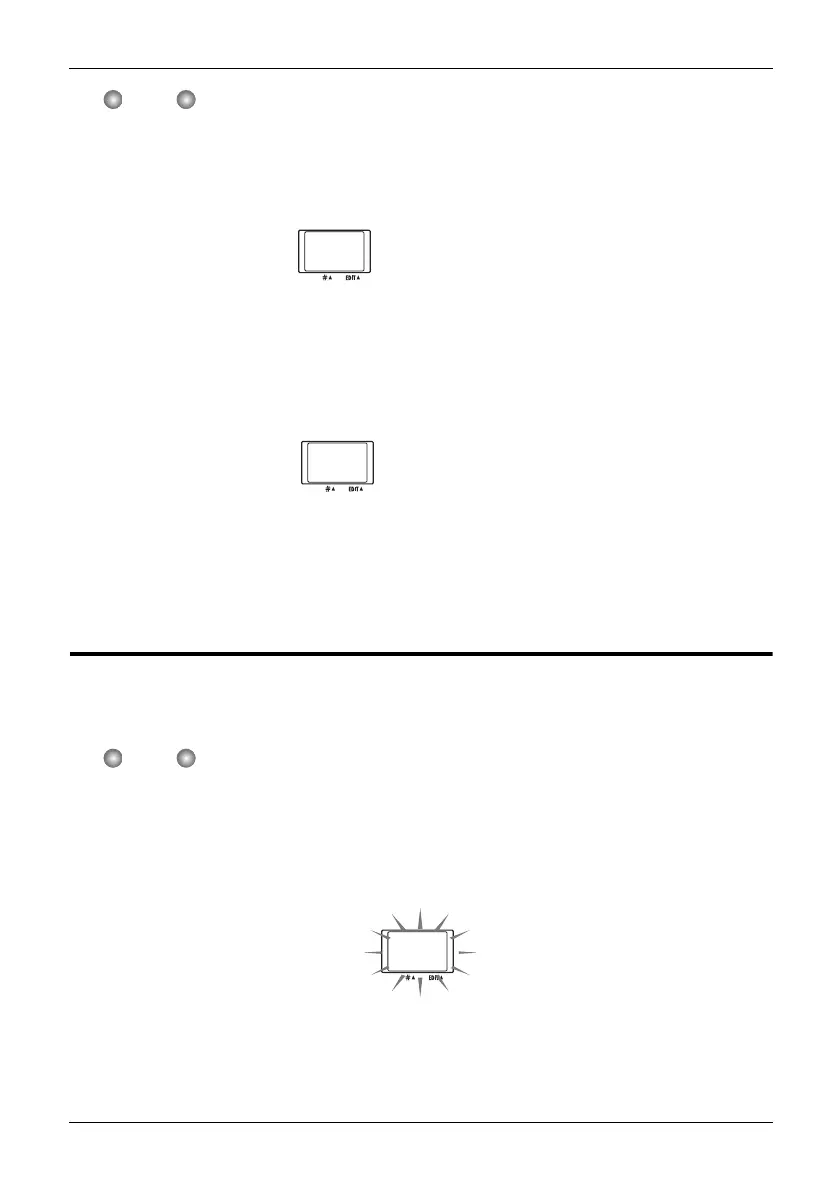
The indication "AL" appears on the display.
2.
To execute the all initialize function, press the [STORE] key once more.
All user patches are returned to the factory default condition. To cancel the process, press the
[EXIT] key instead of the [STORE] key.
--
Display in manual mode
A1
Program mode display
AL
F18-E.fm 15 ページ 2004年2月27日 金曜日 午後2時25分



 To Next Page