29
Disconnect the USB cable.
HINT
Updating the firmware will not erase saved patches.t
NOTE
Do not disconnect the USB cable while the firmware t
is being updated.
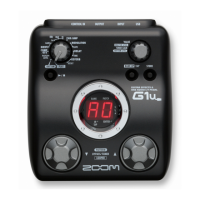
To restore the to
its factory default settings
While pressing ,
turn the power ON.
(See page 6.)
The All INITIALIZE screen
appears.
Turn .
Select "YES" to execute.
Select "NO" to cancel.
Press .
NOTE
Be careful because this will restore all defaults to t
their factory settings. Be sure that you want to do
this.



 To Next Page