25
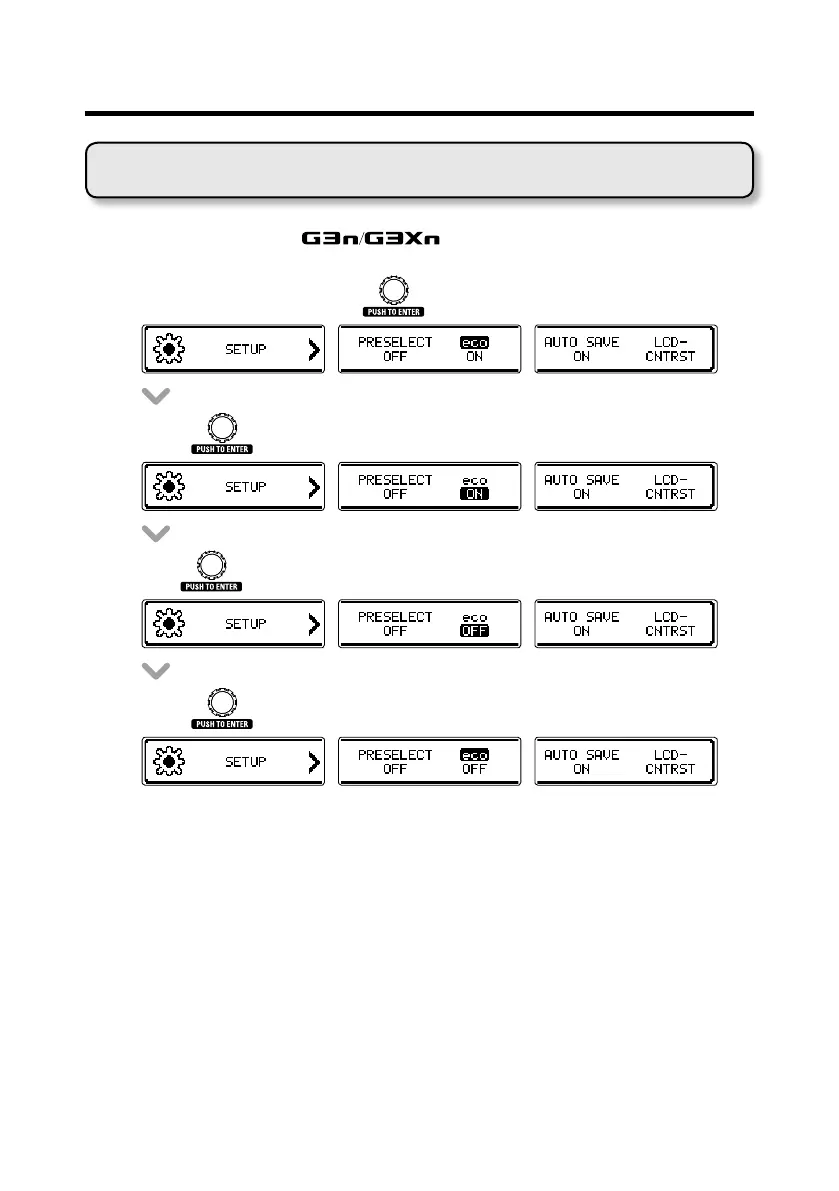
Setting the eco mode
When eco mode is on, the will automatically turn off if not used
for 10 hours.
• OntheSETUPscreen,turn
to select eco.
• Press .
• Turn tosetecotoON/OFF.
• Press to conrm the eco mode setting.
Changing various settings



 To Next Page