36
Using the looper
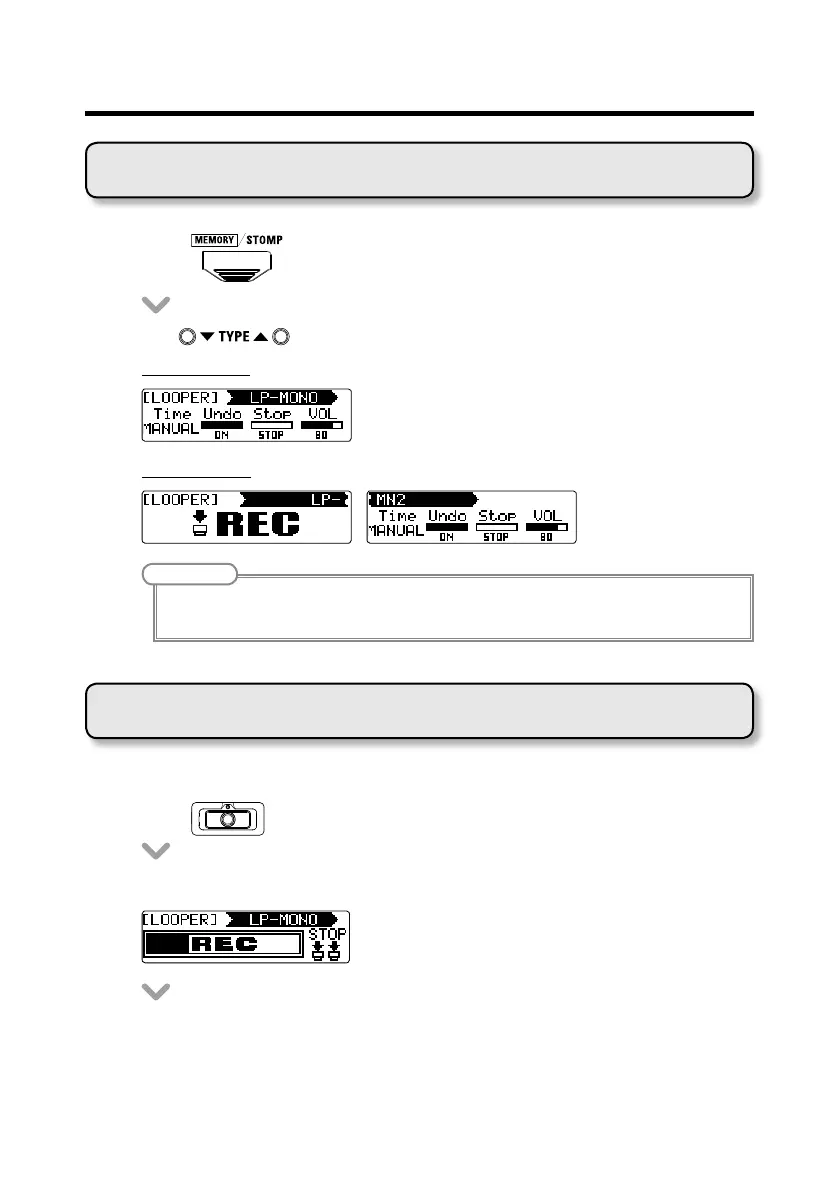
Selecting the looper
• Press to change to STOMP mode.
• Use to select a LOOPER for the desired unit.
1-unit looper
2-unit looper
NOTE
• Thereare4typesofloopers:1-unitmono,2-unitmono,1-unitstereoand2-unitstereo.
• OneLOOPERcanbeselectedperpatch.
Recording, playing and clearing phrases
■ Recording phrases
• Press
for the rst unit in the LOOPER.
• Thisstartsrecording.



 To Next Page