46
Restoring default settings and patches
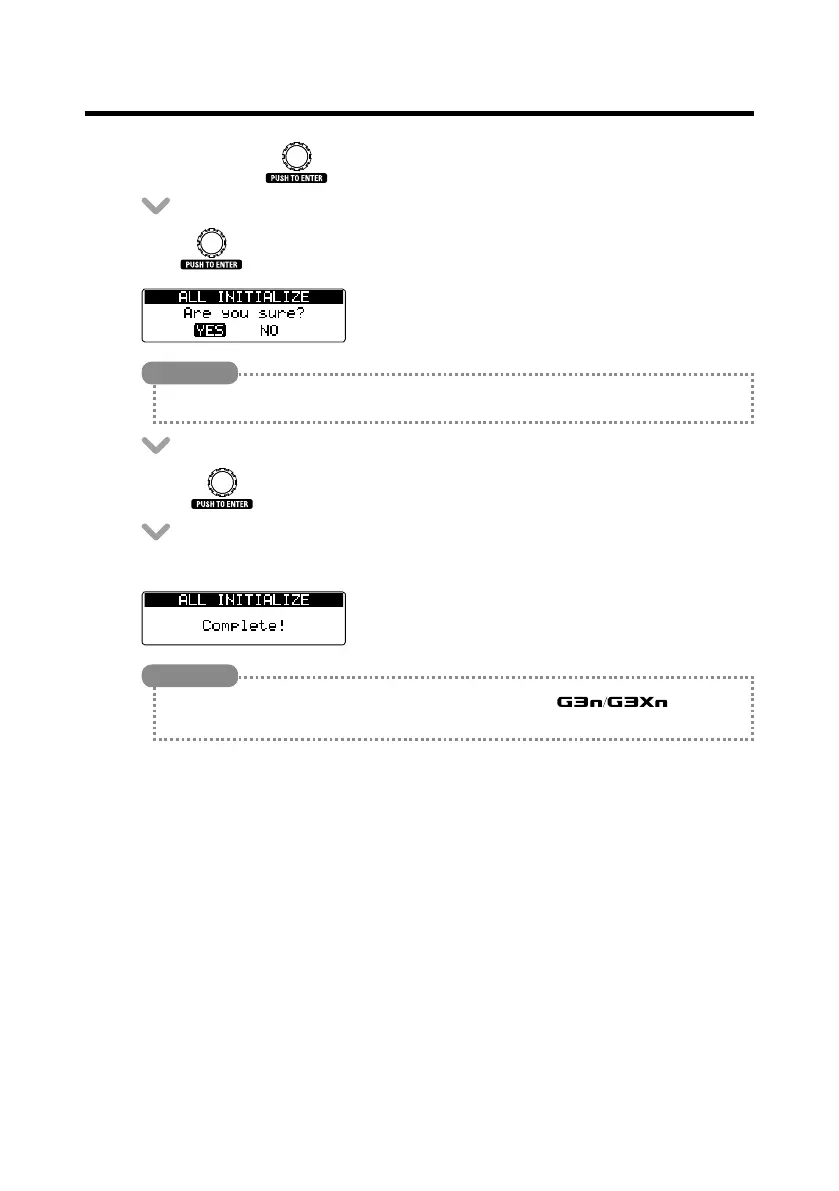
• Whilepressing , set the POWER switch to ON.
• Turn to select YES.
HINT
Select NO to cancel initialization.
• Press to initialize.
• "Complete!"willappearonthedisplaywheninitializingcompletes.
HINT
Executing the All Initialize function will restore all the settings of the , including its
patches, to factory defaults. Do not use this function unless you are certain that you want to do this.



 To Next Page