27
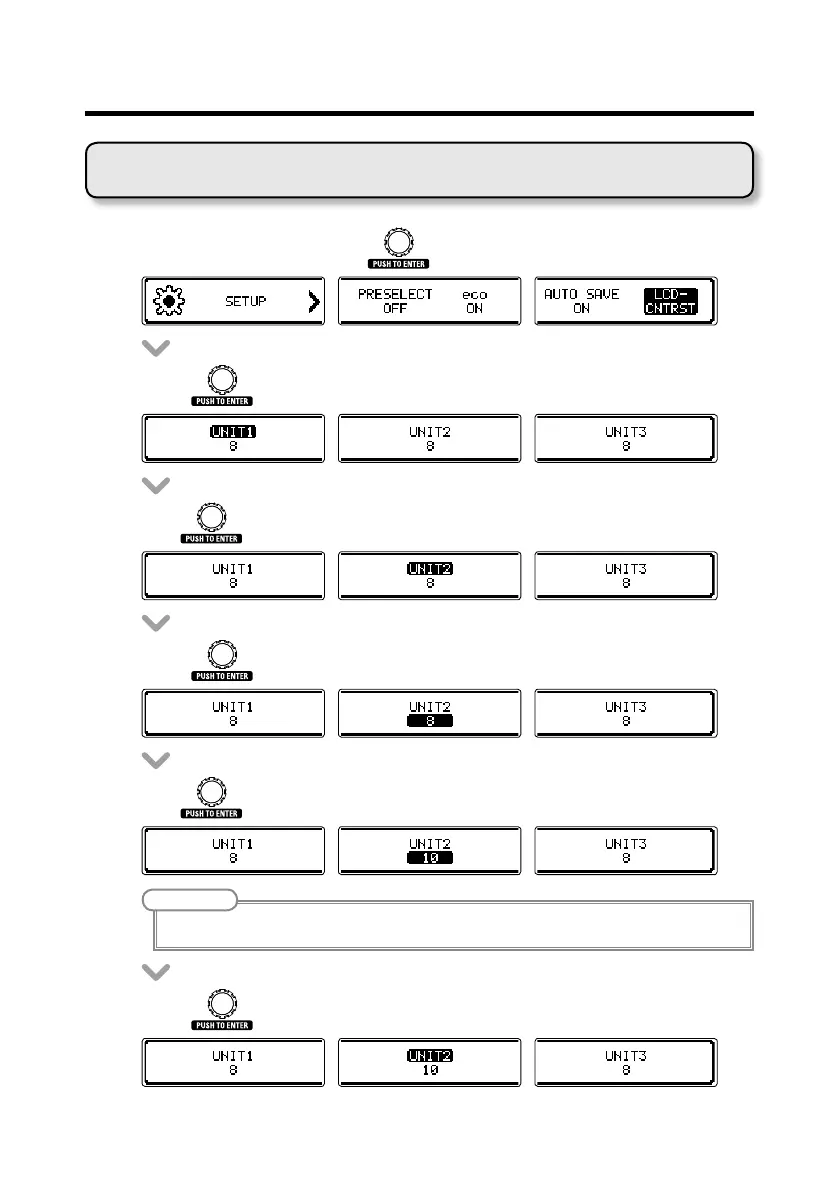
Adjusting the display contrast
• OntheSETUPscreen,turn to select LCD CNTRST.
• Press .
• Turn to select a display to adjust its contrast.
• Press to conrm the display.
• Turn to adjust the contrast.
NOTE
The setting range is 1–13.
• Press to conrm the contrast setting.
Changing various settings



 To Next Page