33
■ Using at tuning
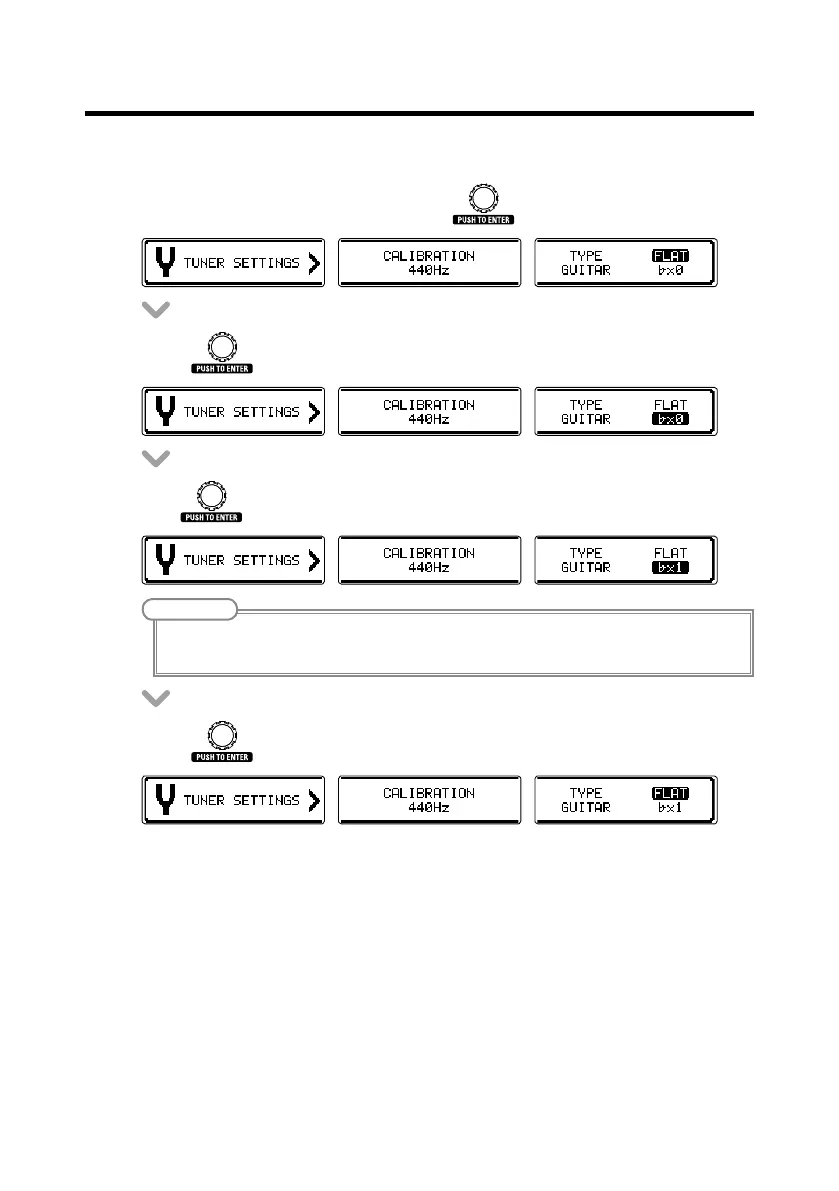
• OntheTUNERSETTINGSscreen,turn to select FLAT.
• Press .
• Turn to change the at tuning.
NOTE
• Youcandropthetuningbyone(x1),two(x2)orthree(x3)semitones.
• DroptuningisnotpossiblewhentheTYPEissettoCHROMATIC.
• Press to conrm the at tuning setting.
Using the tuner



 To Next Page