42
Using the pedal
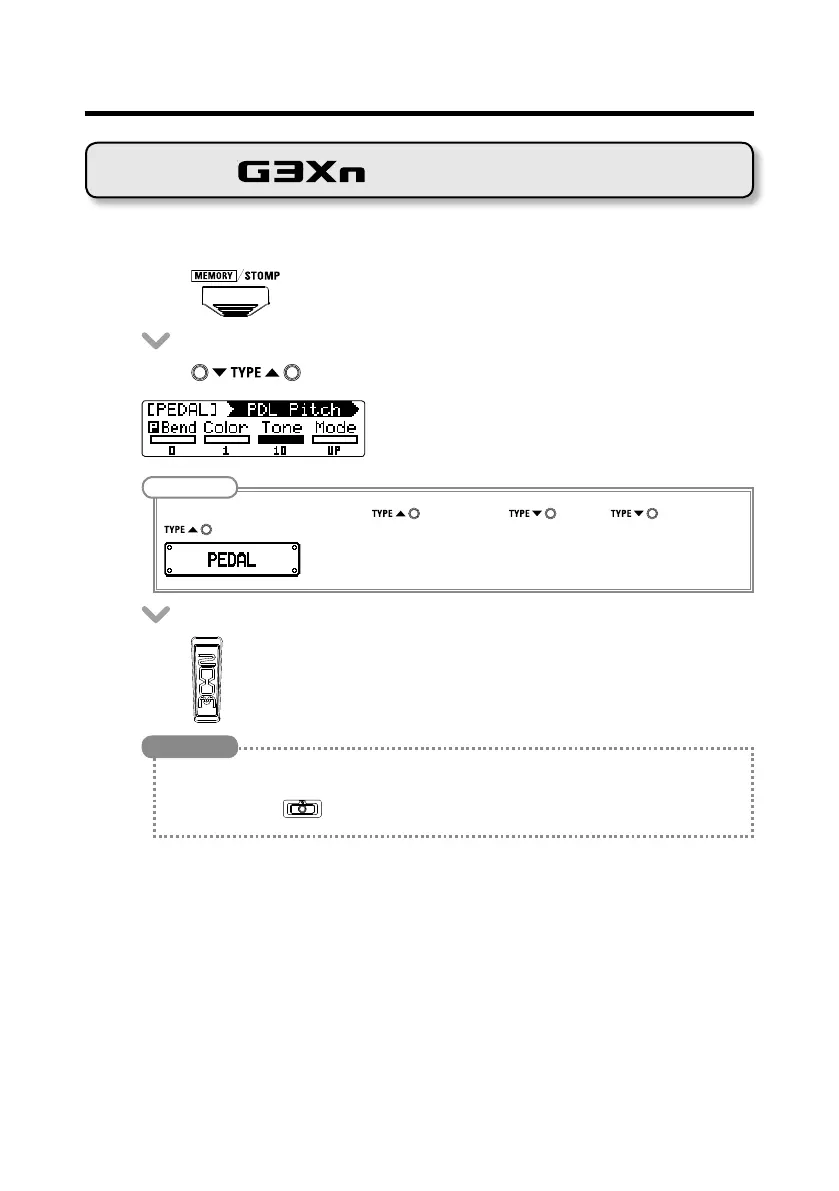
■ Selecting the pedal effect
• Press to change to STOMP mode.
• Press to select the pedal effect.
NOTE
To select the PEDAL category, press while pressing or press while pressing
.
• Press down.
HINT
• Press thefront-end of the expression pedal down to turn the pedaleffectON/OFF.Thisdoesnot,
however,changetheON/OFFsetting.
• Youcanalsopress
toturnthepedaleffectON/OFF.ThisdoeschangetheON/OFFsetting.
Using the pedal



 To Next Page