4
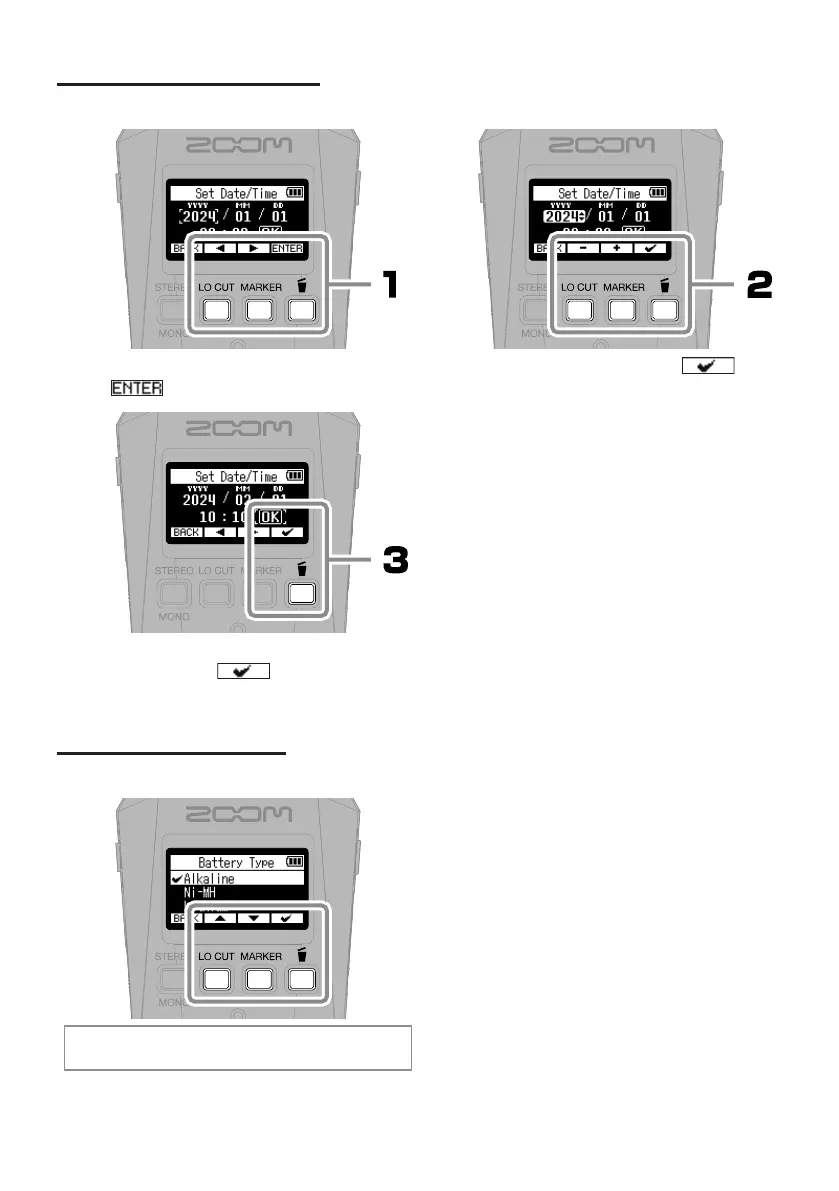
Date and time settings
Select a setting item, and press
to conrm.
After setting all the items, select
“OK” and press
to complete
setting the date and time.
Change the value, and press
to conrm.
Battery type setting
Set the type of battery used correctly so that the amount
of remaining battery charge can be shown accurately.



 To Next Page
 Loading...












