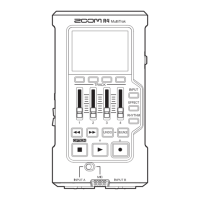
Playback Screen
⑦
Remaining battery charge
①
File name
②
Status icon
④
Number of selected
le/total number of les
⑤
Level meters
③
Progress bar
⑥
Function buttons
⑧
Counter
⑨
Remaining playback time
⑩
Clipping indicators
①
File name
This shows the name of the le being played.
②
Status icon
This shows the playback status.
Playing Paused Searching backward Searching forward
Jumping to the previous le/mark
Jumping to the next le/mark
③
Progress bar
This shows the current playback location.
④
Number of selected le/total number of les
⑤
Level meter
These show the input levels of the playing audio.
⑥
Function buttons
These show functions that can be set on the Playback Screen.
From left to right, these correspond to
,
,
and
⑦
Remaining battery charge
This shows the remaining battery charge. When the remaining battery charge becomes low,
replace the batteries (→ "Using batteries") or connect an AC adapter (→ "Using an AC adapter").
⑧
Counter
This shows the playback time from the le beginning.
⑨
Remaining playback time
This shows the remaining time of the playing le.
⑩
Clipping indicator
These appear lit when the output levels are high.
9


 To Next Page