9
13.
Slide toward again.
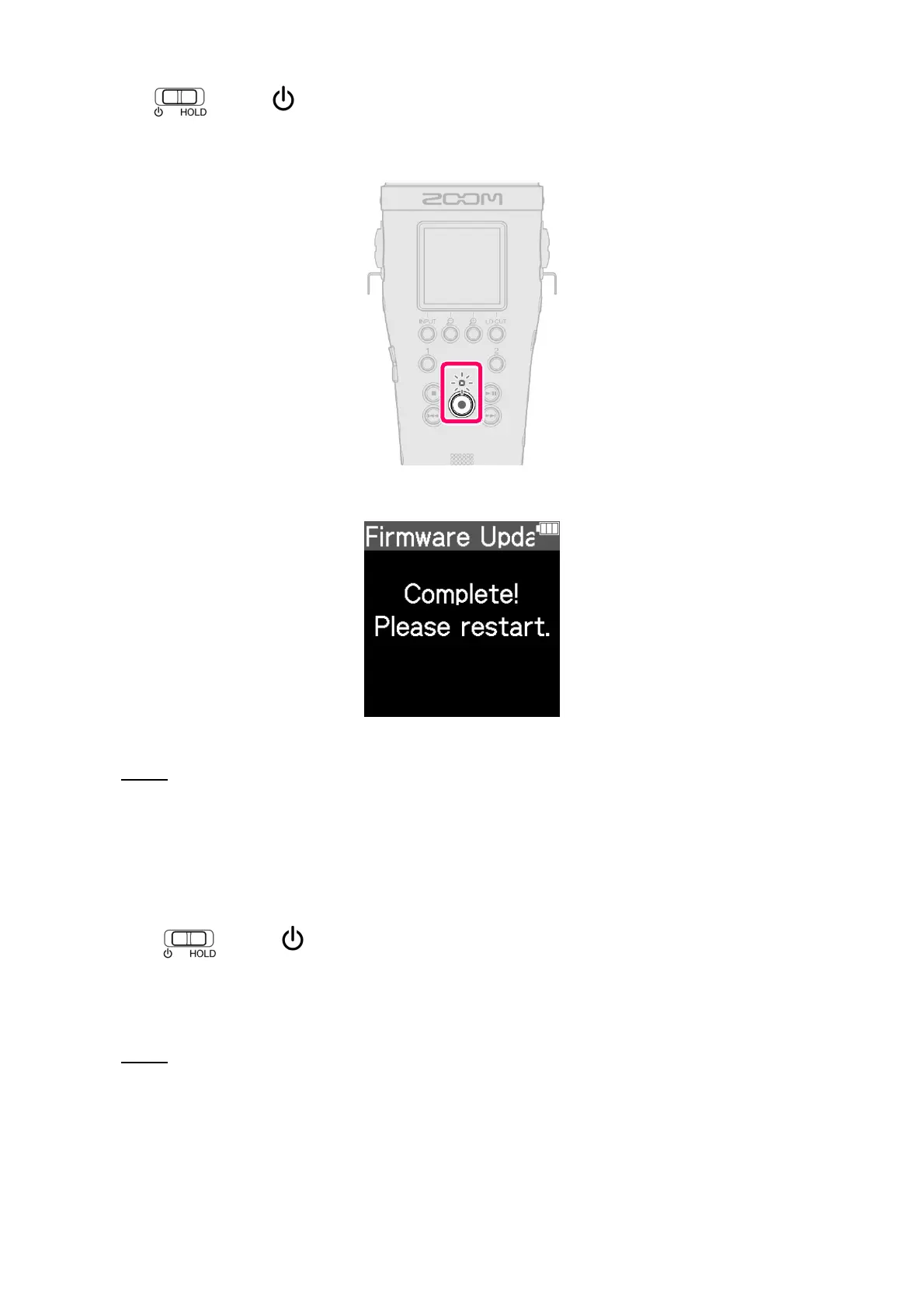
The update will be executed automatically, and the REC indicator will blink slowly.
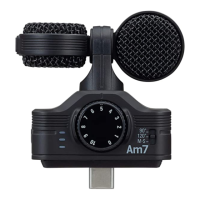
After about 1 minute, a completion screen will appear.
NOTE
During the firmware update, do not turn the power off or remove the microSD card.
If the update fails, the REC indicator will blink rapidly. If this happens, turn the power off once and confirm that
the microSD card is loaded correctly. Then, turn the power on and try updating again.
toward .
14.
Slide
This turns the M4 power off.
NOTE
If the firmware update failed, starting the unit might not be possible and the REC indicator might blink. Turn the
power off and repeat steps 1–6.



 To Next Page