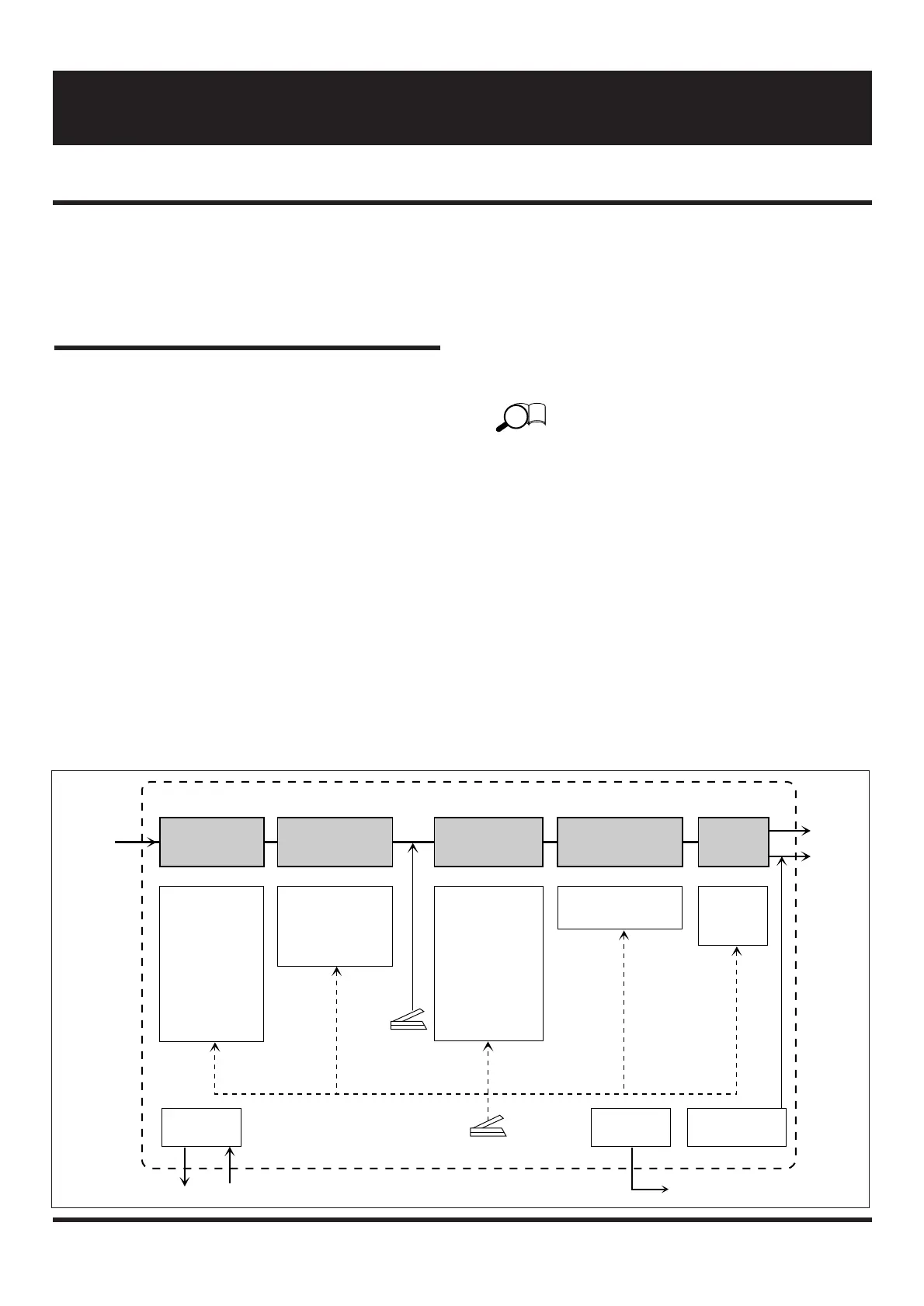
As shown below, a patch of the 4040 contains parameters
for the five types of effect modules, the patch level, VOL
pedal and EXP pedal settings, as well as the external effect
and external amplifier control settings. In the Edit mode,
you can call up any of these parameters and change it.
Entering the Edit mode
• Select the desired patch in the Play mode (from the
USER group or the PRESET group) and press the
EDIT/CANCEL key.
The 4040 is now in the Edit mode, and the Edit mode LED
lights up.
• Pressing the EDIT/CANCEL key once more returns
the 4040 to the Play mode.
Panel display in Edit mode
In the Edit mode, the following information is shown on the
display panel.
(1) Effect module on/off
The LEDs of pedals for effect modules which are on
(pedal switches 1 – 4 and BANK ▼ pedal) are lit.
The pedal switches 1 - 4 and the BANK ▼ pedal
correspond to the following effect modules:
• BANK ▼ pedal: PRE
• Pedal switch 1: EQ
• Pedal switch 2: MODULATION
• Pedal switch 3: DELAY
• Pedal switch 4: REVERB
(2) Parameter value
The value of the parameter currently selected for editing
is shown on the display.
(3) Parameter type
The type of the parameter currently selected for editing
is indicated by the flashing module cursor LED and
parameter cursor LED.


 To Next Page