12
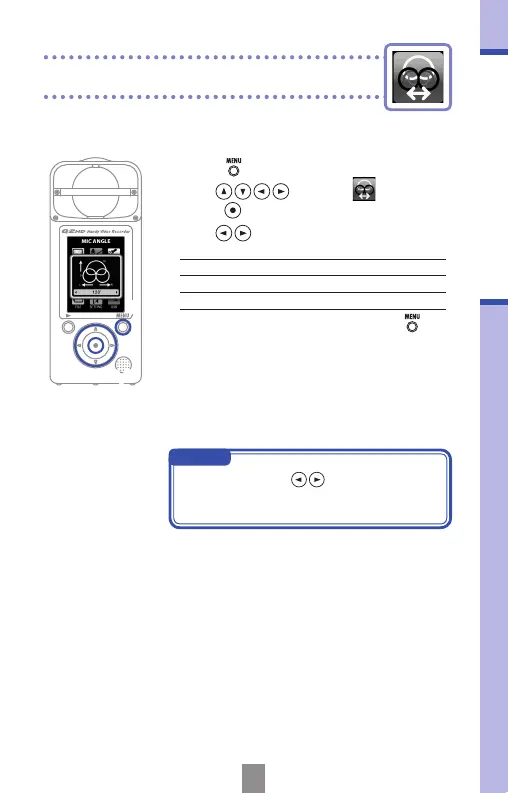
You can set the stereo width recorded by the built-in
stereo mic.
Setting the mic angle
2,3
1
NOTE
You can also use to set the mic
angle while recording or using the USB
mic function.
Setting the mic angle
1.
Press to open the Main Menu.
2.
Use to select
MIC
and
press
.
3.
Use to set the mic angle.
MONO
Record in mono
30°, 60°, 90°, 120°, 150°
Record using the set stereo width
4.
After completing the setting, press .



 To Next Page