15
Deleting recordings
Deleting recordings
You can delete recorded video and audio les to increase the
amount of open space on the media card.
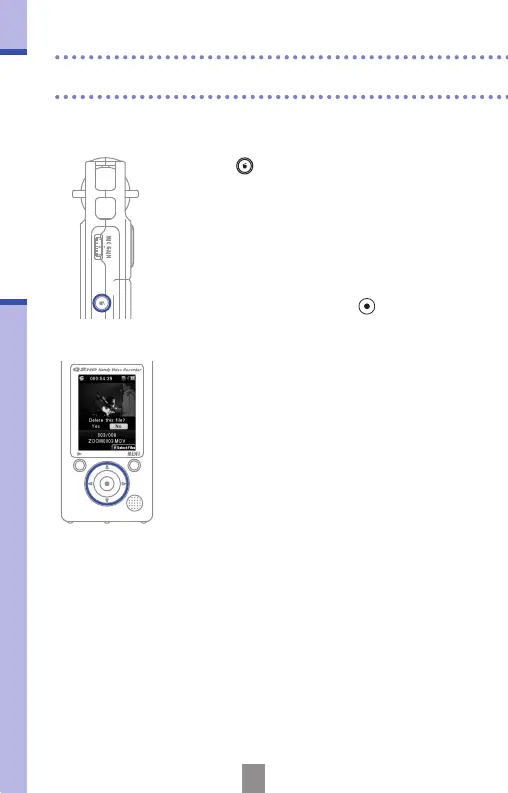
1.
Press while the le that you want to
delete is playing.
• If you press this when on the main
operation screen, the last recorded or
played le will be selected for deletion.
2.
When the conrmation screen opens,
select “Yes” to delete the recording or “No”
to cancel, and then press
.
1
2



 To Next Page