5
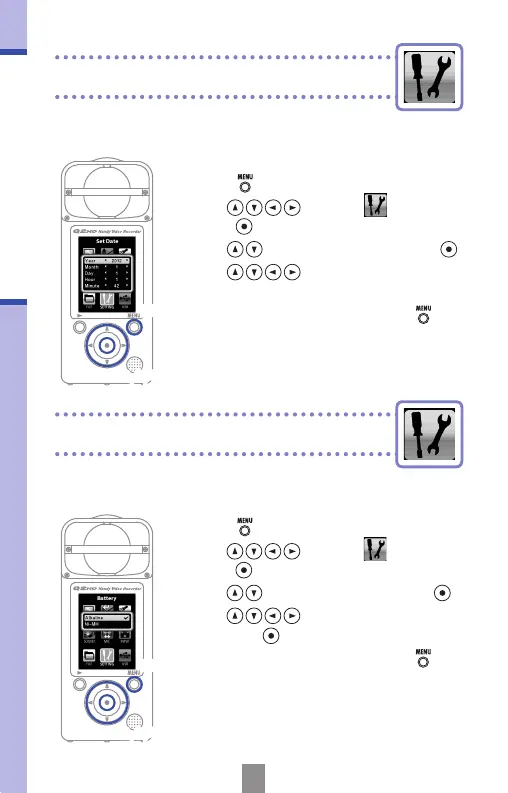
Setting the date & time
Setting the battery type
The date and time are added to recorded video and
audio les, so set it accurately before recording.
Setting the date & time
2,3,4
Set the battery type so that the amount of remaining
battery life can be shown accurately.
Setting the battery type
Note: Use alkaline batteries or rechargeable NiMH batteries.
1,5
2,3,4
1,5
1.
Press to open the Main Menu.
2.
Use to select
SETTING
and
press
.
3.
Use to select Set Date and press .
4.
Use to set the current date
and time.
5.
After completing the setting, press .
1.
Press to open the Main Menu.
2.
Use to select
SETTING
and
press
.
3.
Use to select Battery and press .
4.
Use to set the battery type
and press
.
5.
After completing the setting, press .



 To Next Page