26
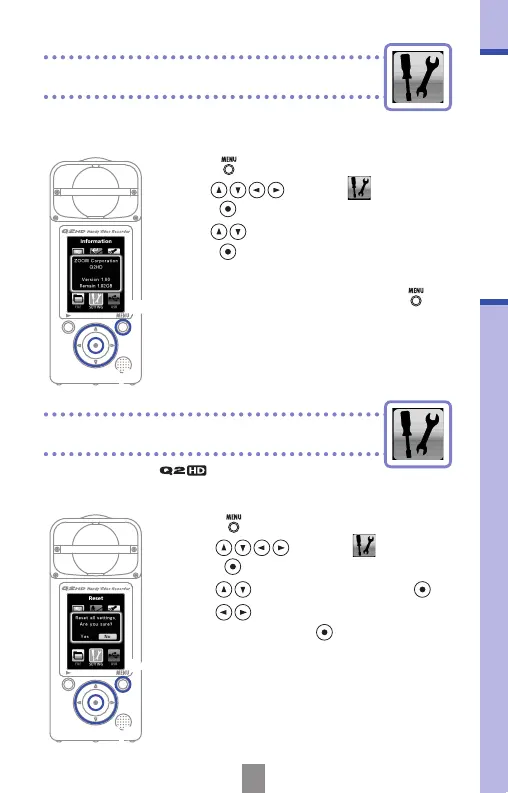
Viewing information
Restoring default settings
You can check the rmware version and remaining
recordable memory.
Viewing information
You can reset the settings, including the
scene type and video and audio quality, to their
factory defaults.
Restoring default settings
1.
Press to open the Main Menu.
2.
Use to select
SETTING
and
press
.
3.
Use to select
Reset
and press .
4.
Use to select “Yes” to reset or “No”
to cancel, and press
.
5.
After resetting completes, “Done” appears
and the SETTING menu reopens.
2,3
2,3
1,4
1,5
1.
Press to open the Main Menu.
2.
Use to select
SETTING
and
press
.
3.
Use to select Information and
press
.
4.
Check the information.
5.
When you are done checking, press .



 To Next Page