27
NOTE
using the Information item in the
Setting menu.
CAUTION
remaining battery power is low.
•
from www.zoom.co.jp.
1.
directory on the SD card.
2.
Insert the SD card into the unit’s card slot.
3.
While pressing and holding , press until the unit
starts and the FIRMWARE UPDATE screen opens.
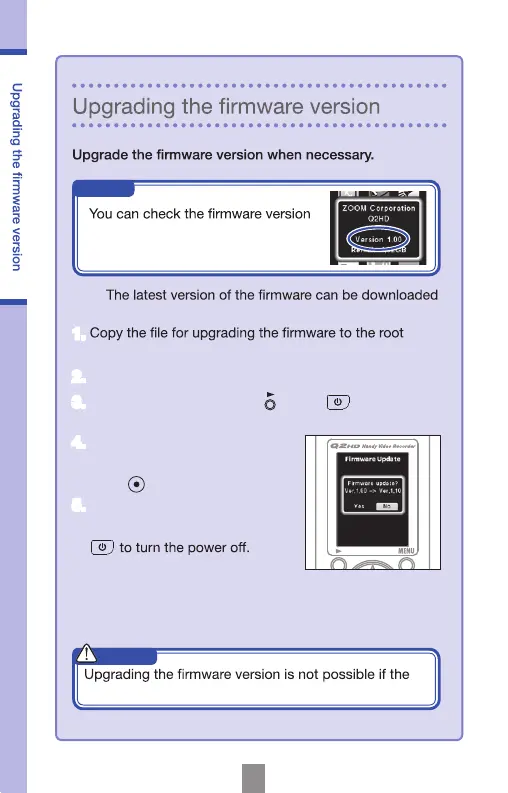
4.
If the version upgrade shown is
the one desired, select “Yes” and
press
.
5.
When “Complete!” appears after the
version upgrade completes, press



 To Next Page