7
Reducing noise
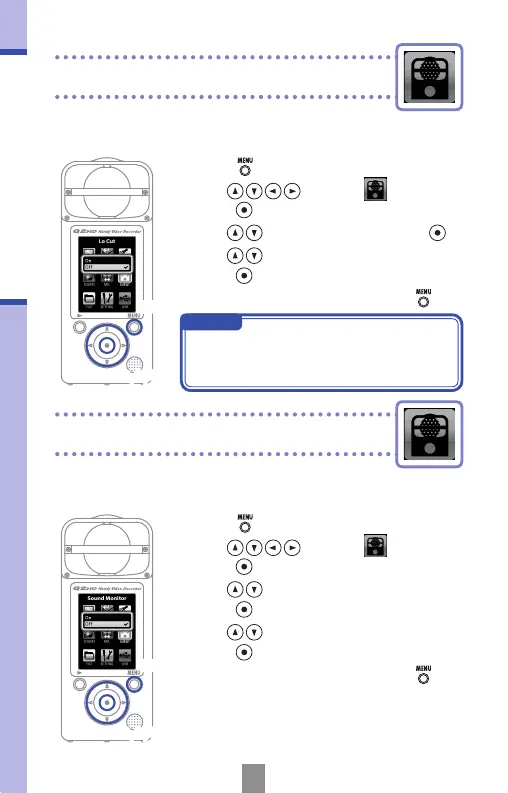
Turning sound monitoring on or off
Turn the low-cut lter function on to reduce wind
sounds and other noise.
Reducing noise
Turning sound monitoring on or o
Turn this on to listen to the sound being recorded
through the line/headphones and HDMI outputs.
2,3,4
2,3,4
1,5
1,5
1.
Press to open the Main Menu.
2.
Use to select
INPUT
and
press
.
3.
Use to select Sound Monitor and
press
.
4.
Use to select On or Off and
press
.
5.
After completing the setting, press .
NOTE
Use the windscreen included in the APQ-
2HD accessory package to further reduce
noise.
1.
Press to open the Main Menu.
2.
Use to select
INPUT
and
press
.
3.
Use to select Lo Cut and press .
4.
Use to select On or Off and
press
.
5.
After completing the setting, press .



 To Next Page