25
Setting HDMI video output
Setting HDMI video output
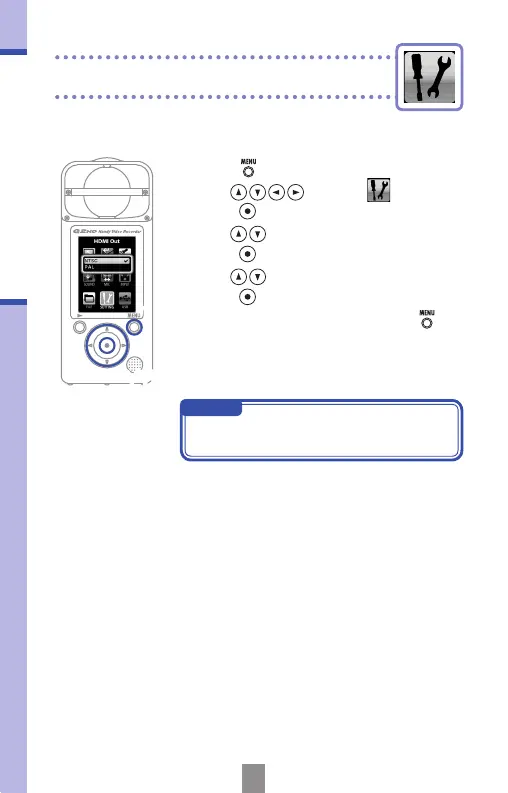
Set the HDMI video output format to suit the TV.
2,3,4
1
NOTE
NTSC is used in North America. Most
other English-speaking regions use PAL.
1.
Press to open the Main Menu.
2.
Use to select
SETTING
and
press
.
3.
Use to select HDMI Out and
press
.
4.
Use to select NTSC or PAL and
press
.
5.
After completing the setting, press .



 To Next Page