16
Deleting recordings
■
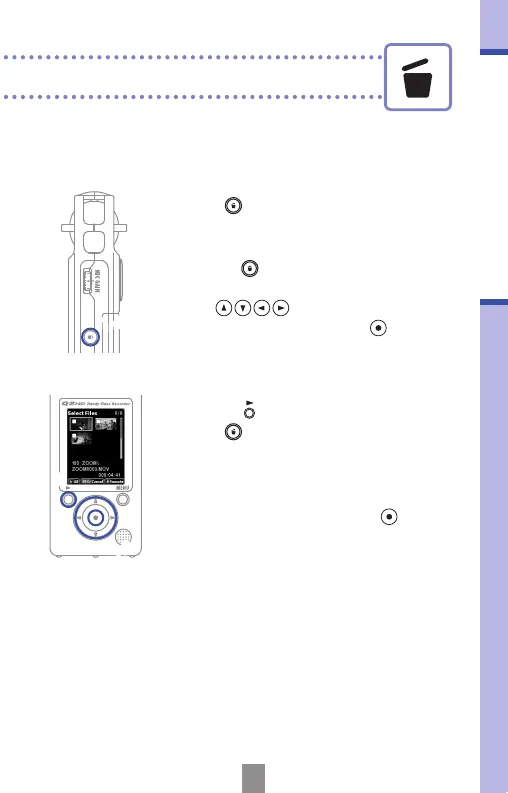
Deleting multiple recordings at the same time
1,4
2,5
3
1.
Press when on the main operation
screen or while playing to show the
“Delete this le?” message.
• Press
again to open the le
selection screen
2.
Use to select a recording that
you want to delete and press
.
3.
Repeat step 2 as many times as necessary
to select more les to delete.
• To delete all les on the card,
press
.
4.
Press when you are done selecting
les.
5.
When the conrmation screen opens,
select “Yes” to delete the recordings or
“No” to cancel, and then press
.



 To Next Page