21
Connecting by USB
Connecting by USB (continued)
■
Using the recorder as a Web camera
1.
Connect the recorder to a Windows PC or
Macintosh with a USB cable.
2.
Press to turn it on.
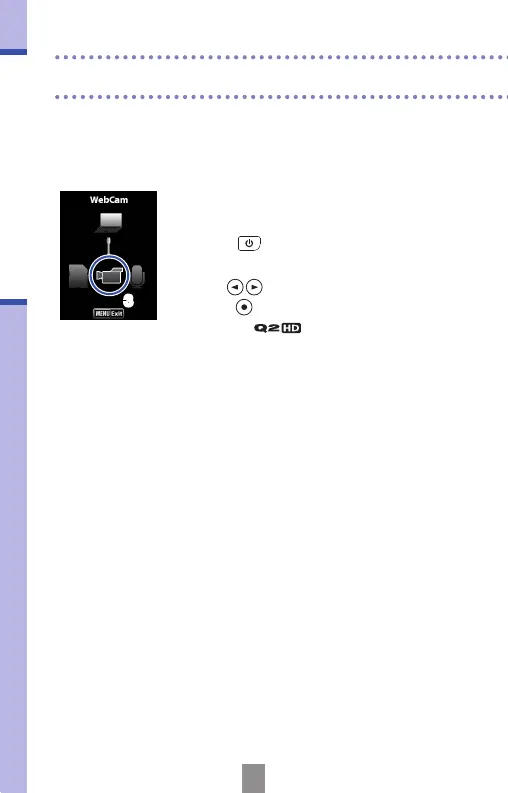
• The USB operation screen will appear.
3.
Use to select the video icon and
press
.
4.
After the connects to the
computer, you can use it as a web camera
for video streaming and other applications.
5.
When you have nished using the recorder
with the computer, unmount the unit from
the computer before disconnecting the
USB cable.
3



 To Next Page