12
Recording
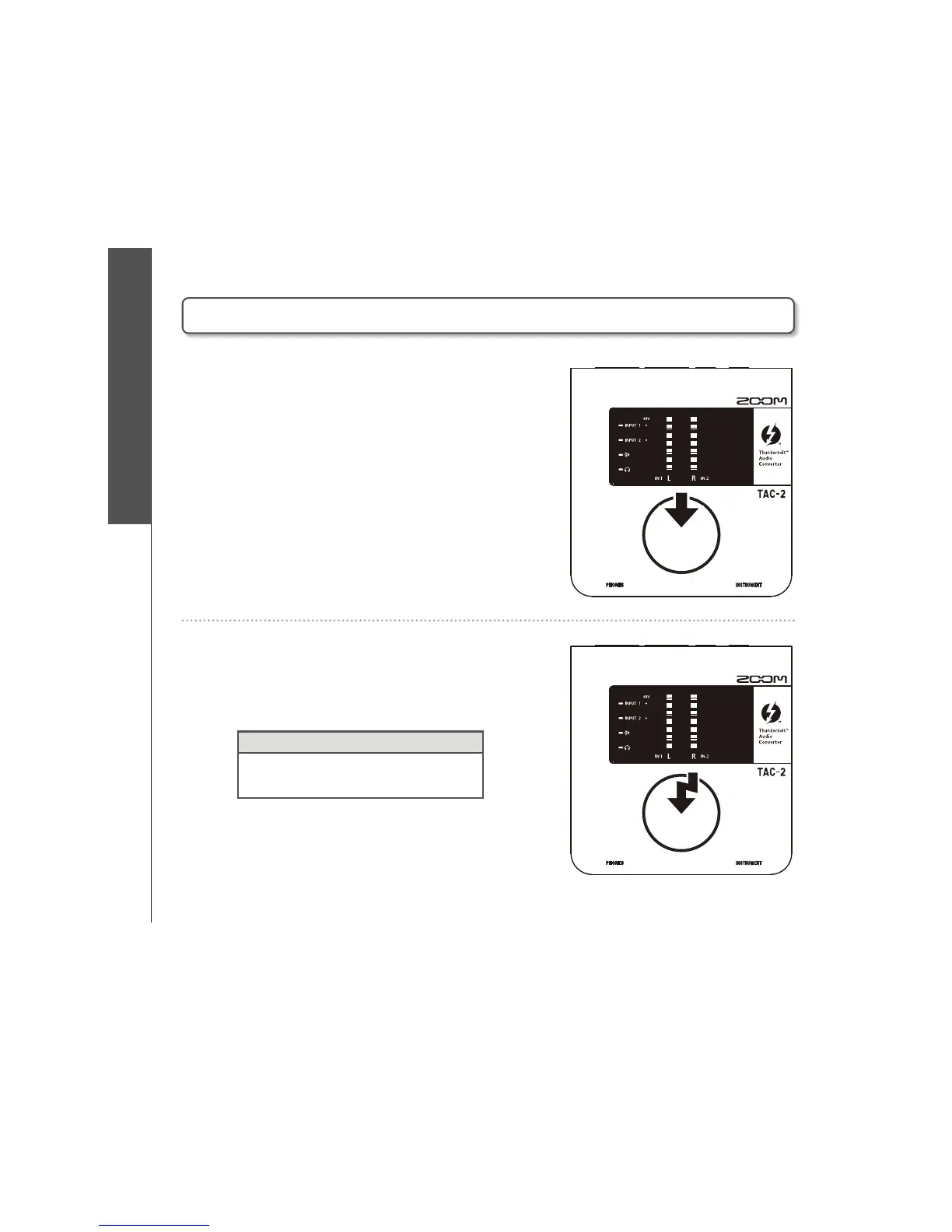
Using phantom power
1. Select the input to which you want
to provide phantom power.
1SFTTSFQFBUFEMZVOUJMUIF-&%GPSUIFJOQVU
to which you want to provide phantom power
lights.
2. Turn phantom power on (or off).
Press and hold for one second.
HINT
t*/165BOE*/165DBOCPUI CF
turned ON/OFF at the same time.
Using phantom power
Press and hold
Press



 To Next Page