7
Installing the driver
Installing the driver
1. Download the ZOOM TAC-2 Driver from http://www.zoom.
co.jp/downloads/ to your computer.
NOTE
t :PVDBOEPXOMPBEUIFMBUFTU;00.5"$%SJWFSGSPNUIFBCPWFXFCTJUF
t %POPUDPOOFDUUIF
when installing the driver.
t 5IFTVQQPSUFEPQFSBUJOHTZTUFNTBSFBTGPMMPXT
.BD049PSMBUFS
2. Click the ZOOM TAC-2 Driver.pkg icon to launch the installer.
'PMMPXUIFJOTUSVDUJPOTUIBUBQQFBSPOTDSFFOUPJOTUBMMUIF;00.5"$%SJWFS
3.
Connect the and the computer using a Thunderbolt™ cable.
4.
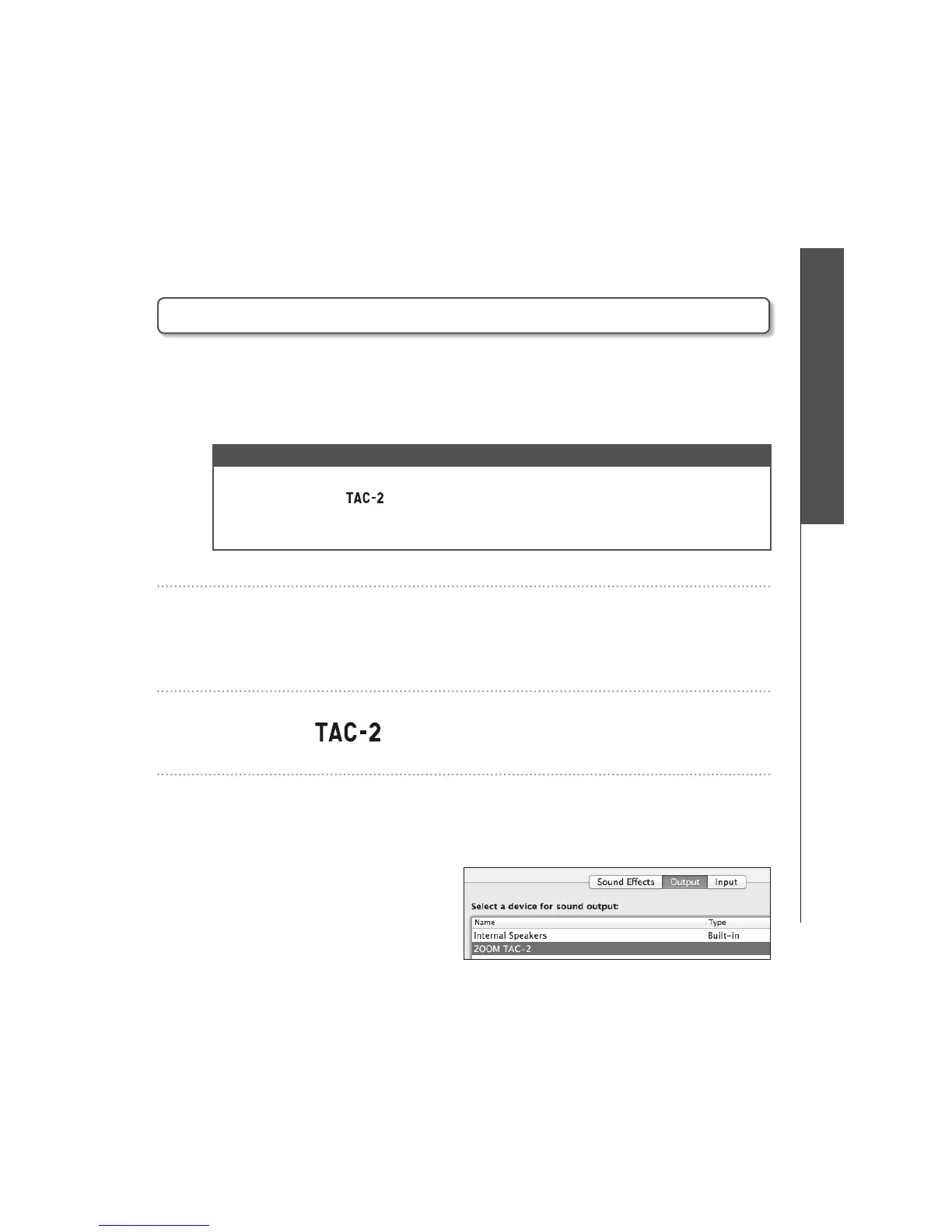
Open the Sound pane of the System Preferences and set both
the Input and Output to ZOOM TAC-2.



 To Next Page